Typeset

Typeset compiles Typst documents on Apple devices. You can use the spectacular universe of packages to add content and style your documents. In addition to typst, Typeset integrates a powerful Typst language server for autocomplete and command signature hints. Typeset is completely free and open source and always will be. Typeset is unaffiliated with Typst.
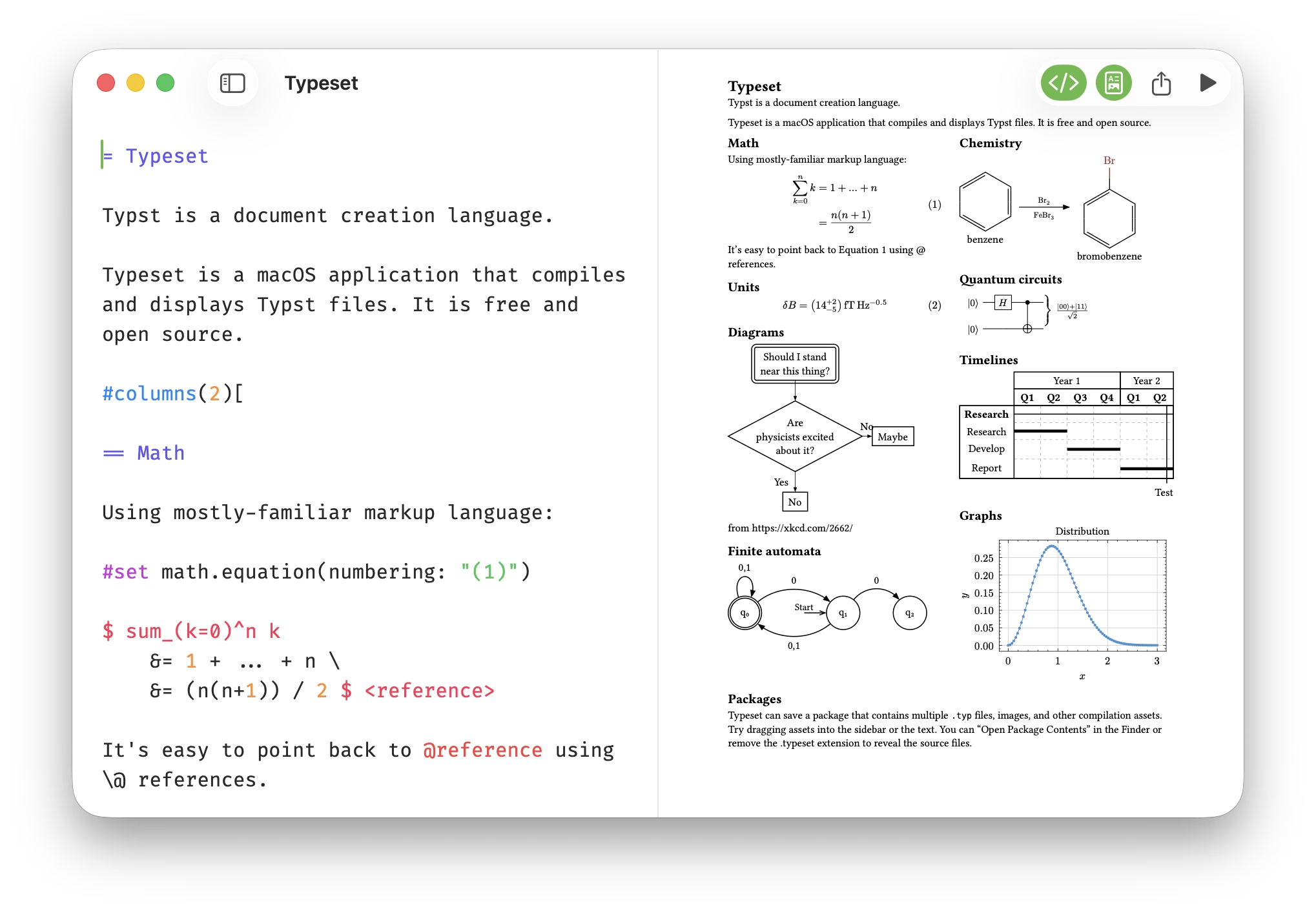
A native Mac editor with your Typst source and a live PDF preview side by side. The preview keeps pace as you type, and clicking it jumps straight to the matching line of source.
Language server
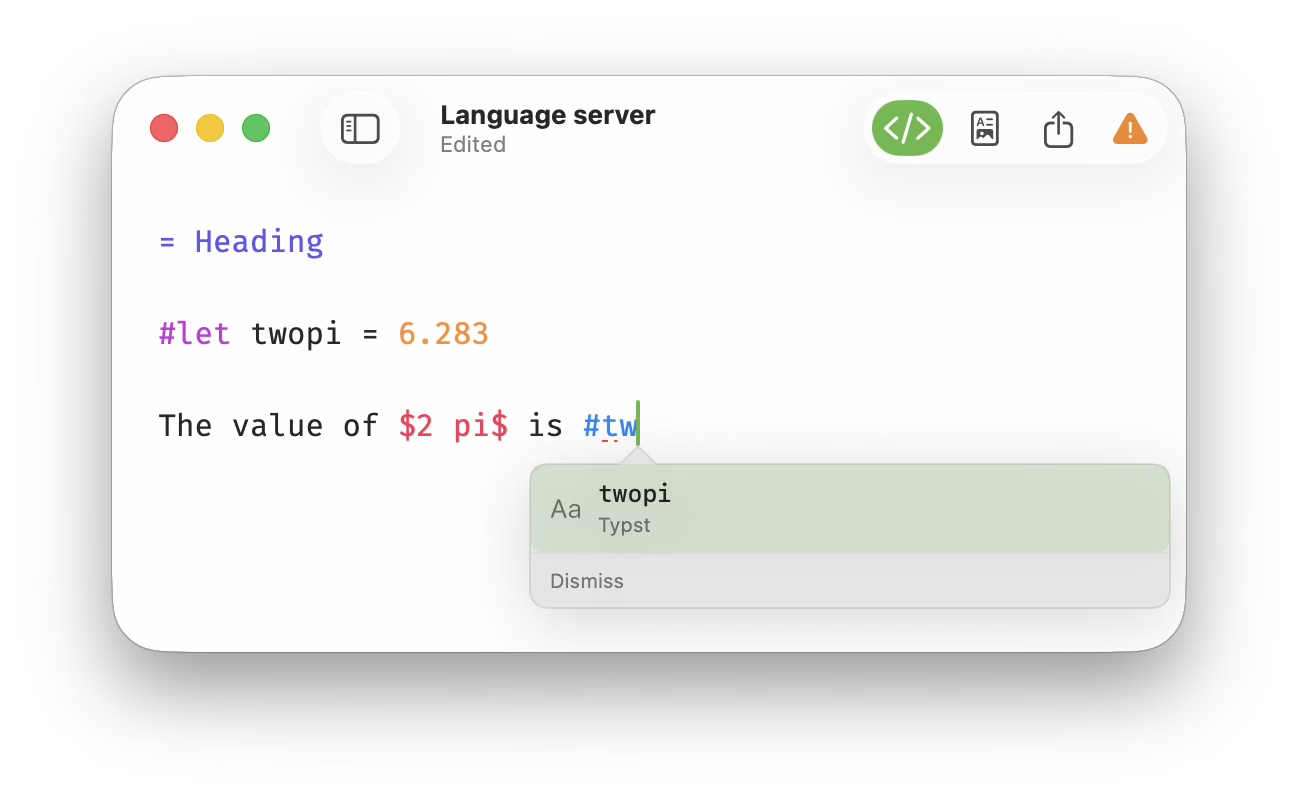
Typeset embeds a powerful Typst language server, so the editor understands your document as you write it. Start typing and Typeset suggests the functions, parameters, and symbols that fit, including your own #let bindings and anything pulled in from a package.
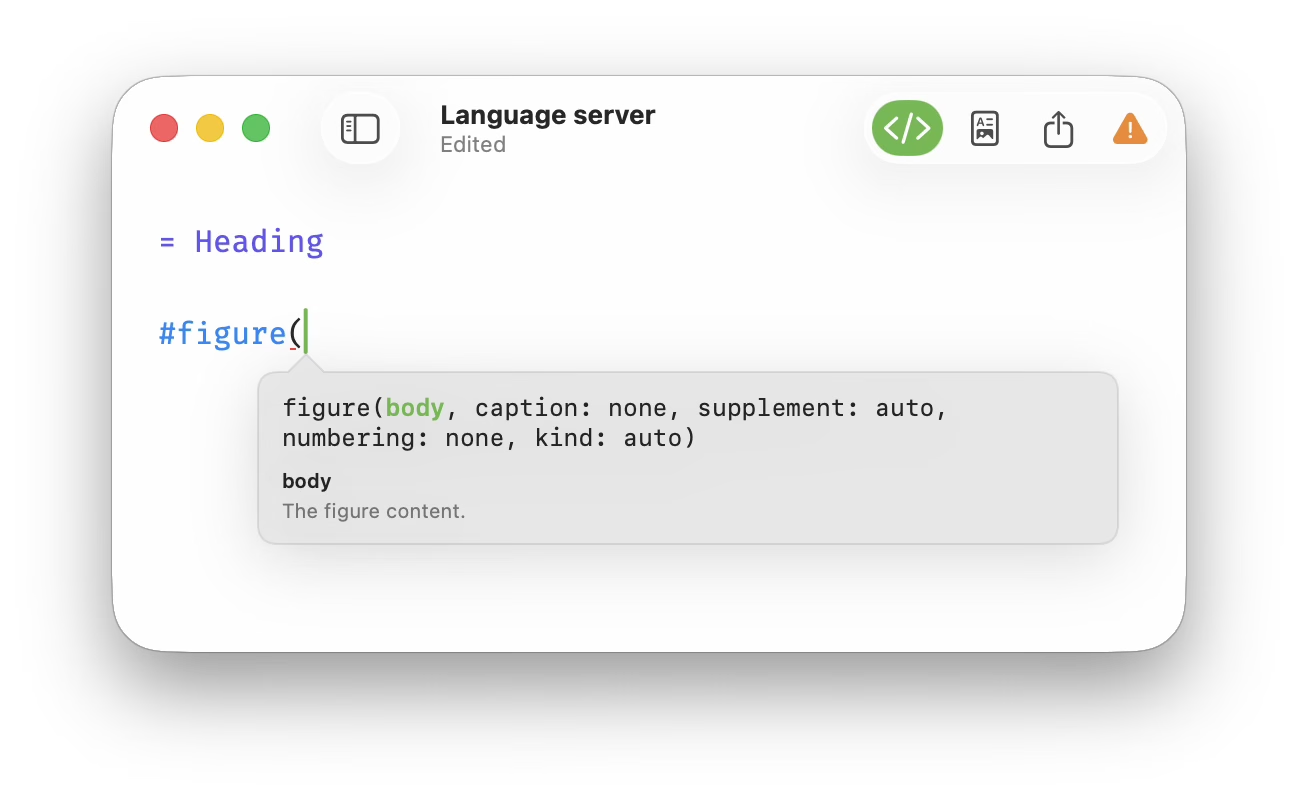
Call a function and a signature hint shows its parameters and their types, so you don't have to keep the documentation open in another window.
Sidebar
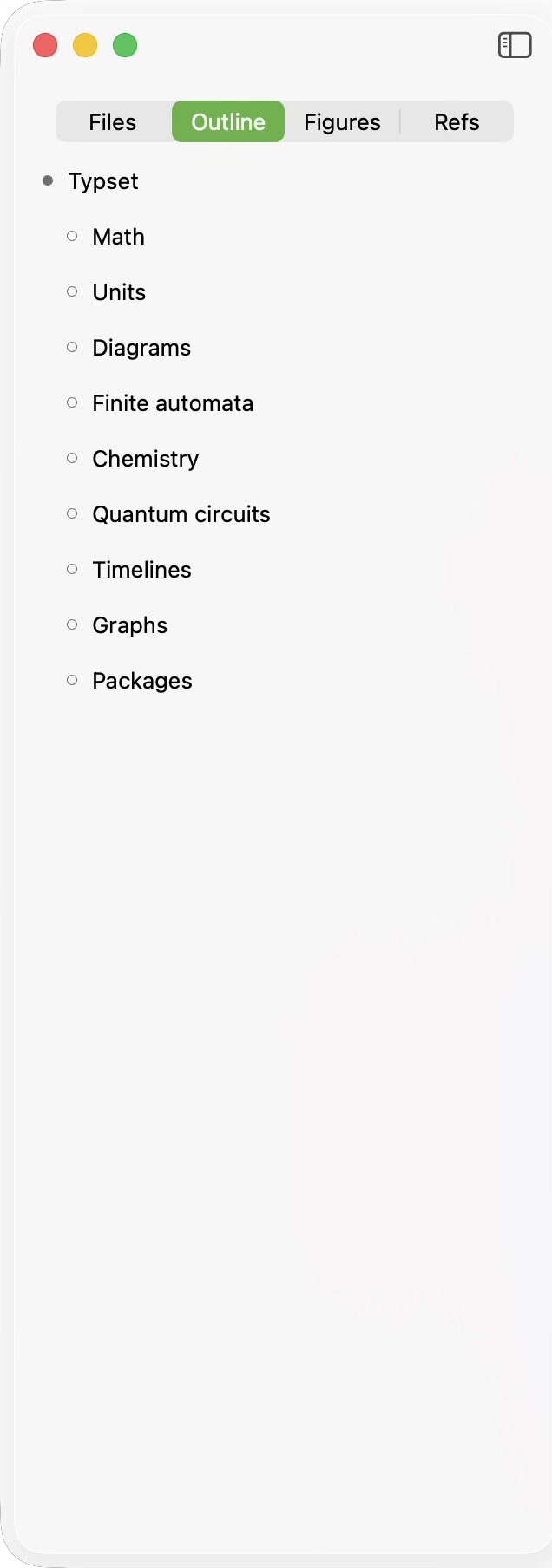
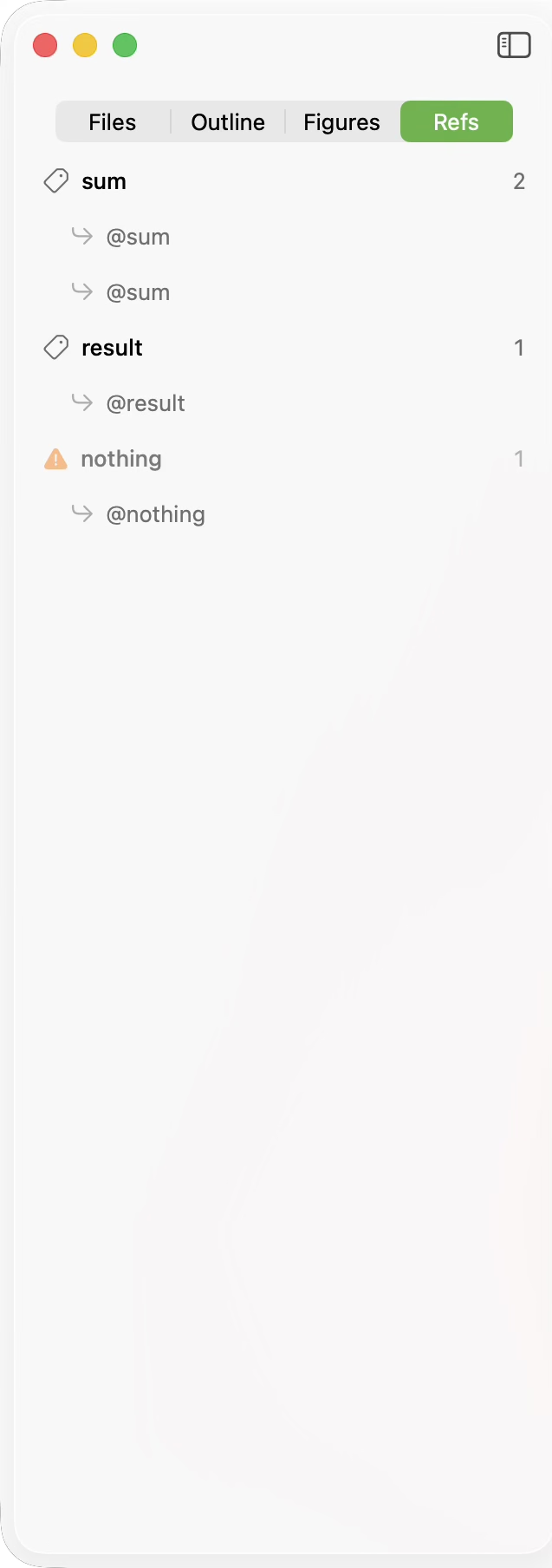
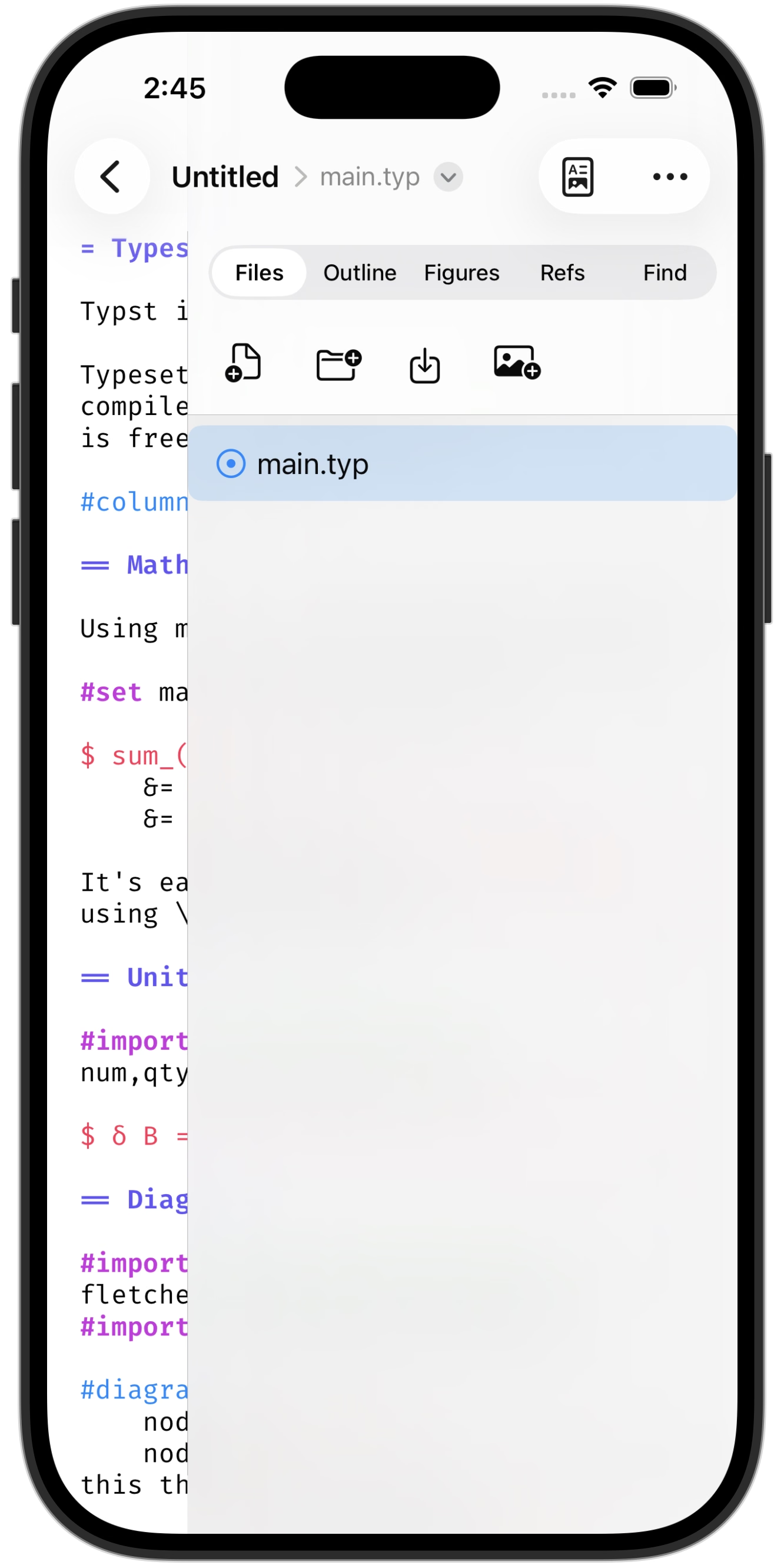
Flip the sidebar between your project's files, the document outline, and every label paired with a list of where it is referenced. The outline and reference list come straight from the language server, so they stay in step with your document.
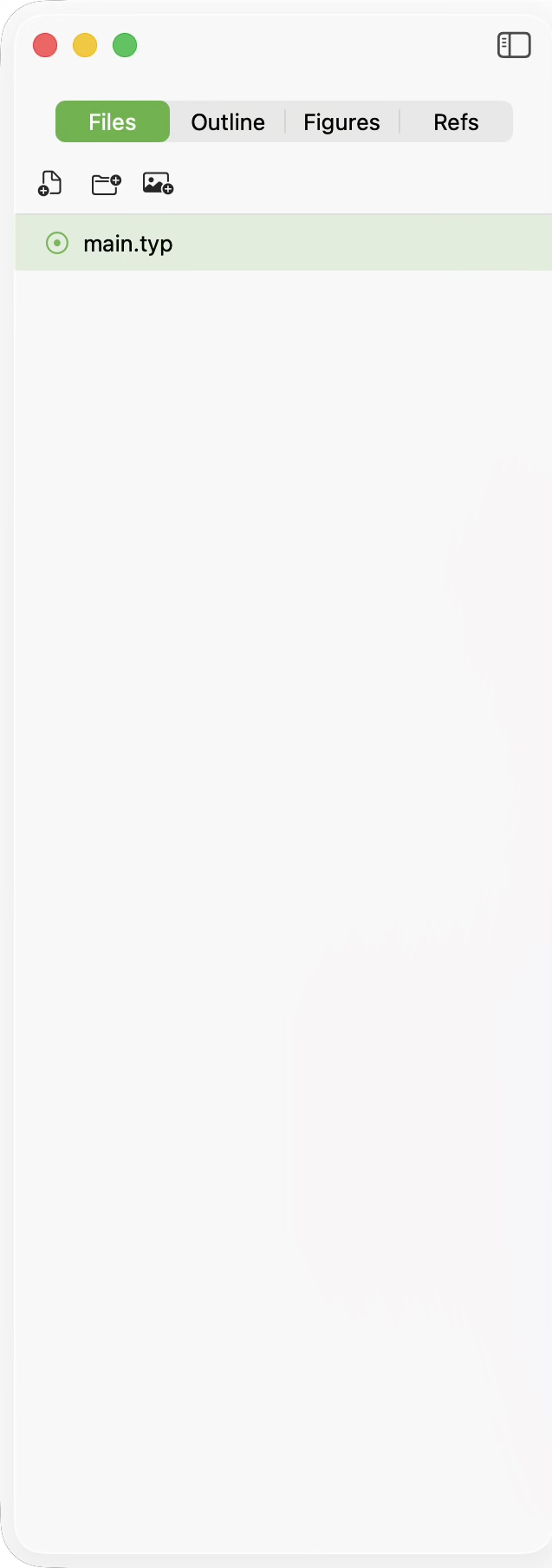
Drag and drop files in, out, and reorgnaize. Drop images directly into the code.
Distraction-free mode
It is possible to remove the window chrome by selecting the distraction-free mode. The toolbar and window controls return when the cursor hovers over the toobar area.
Vertical
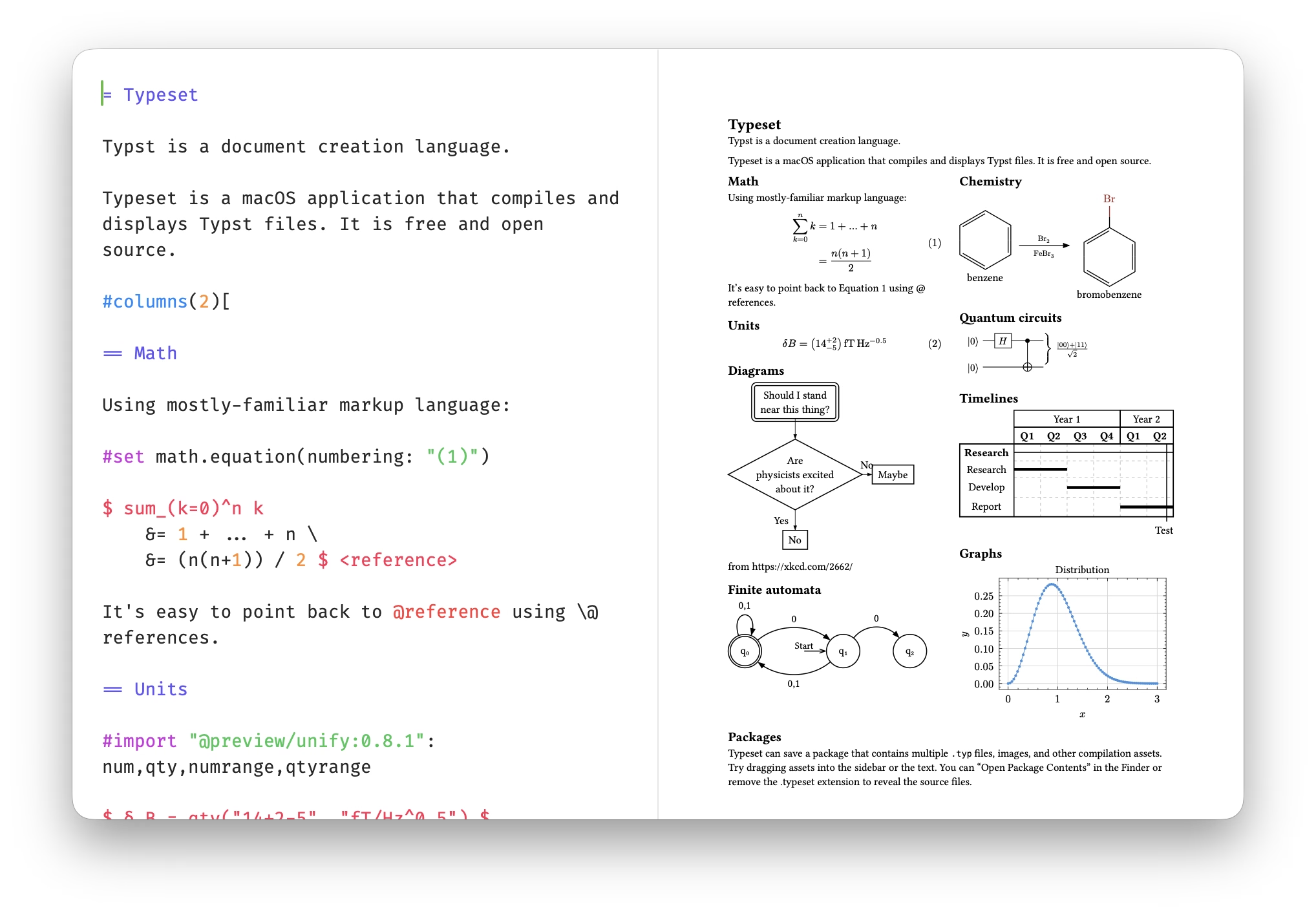
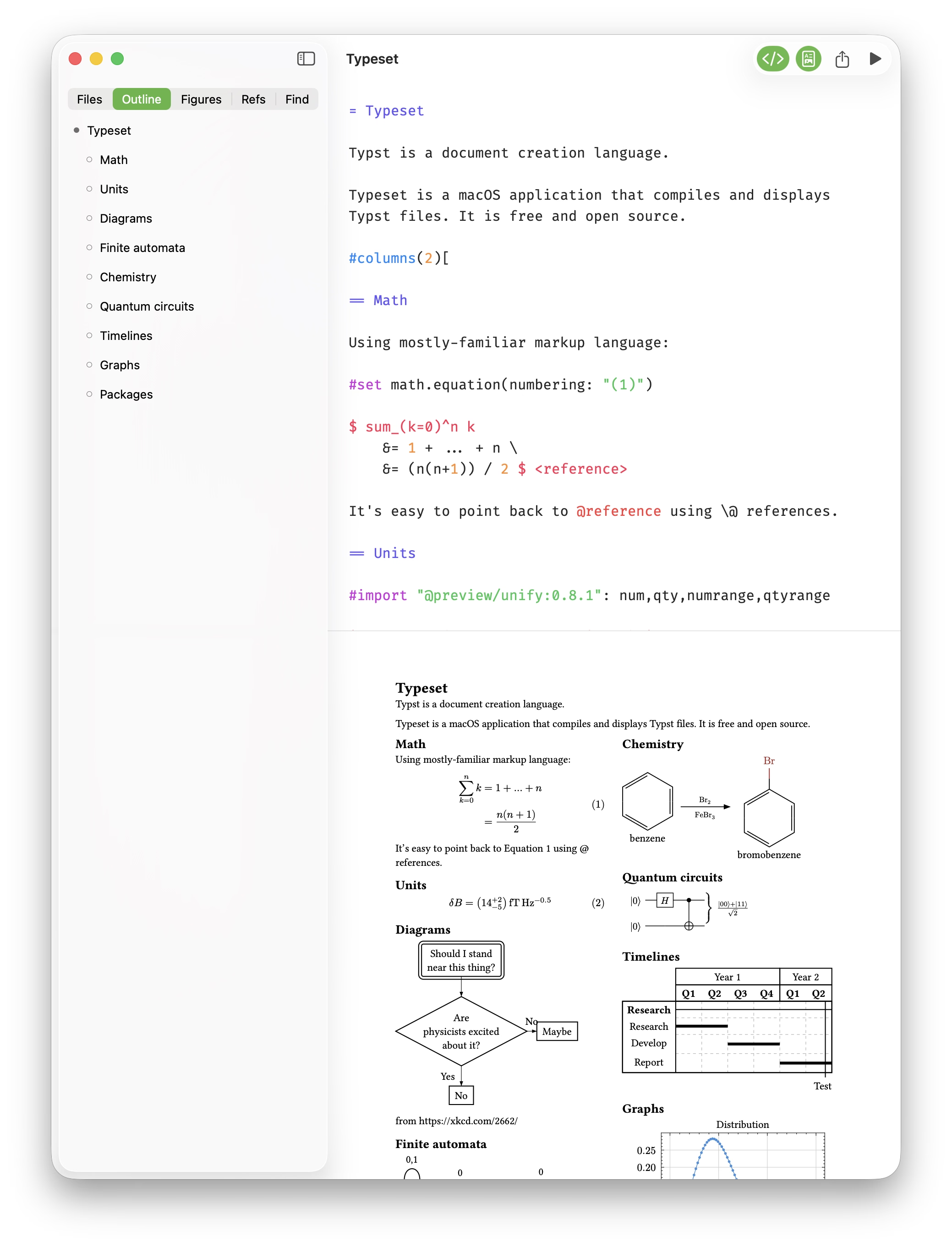
For vertical screens, Typeset can stack the views when the window gets narrow.
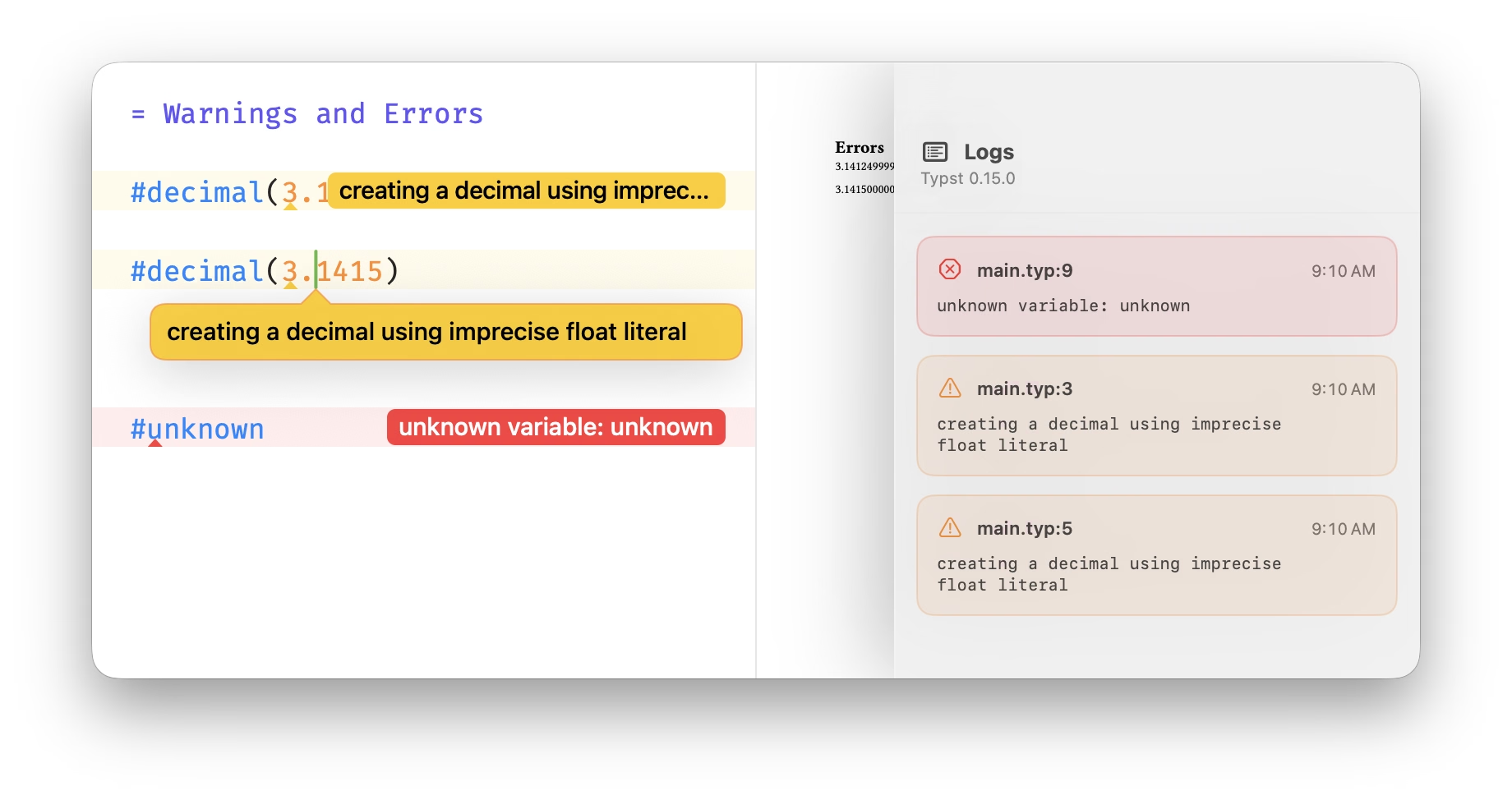
Log
When a compile fails, the log says what went wrong and where, so you can get back to writing.
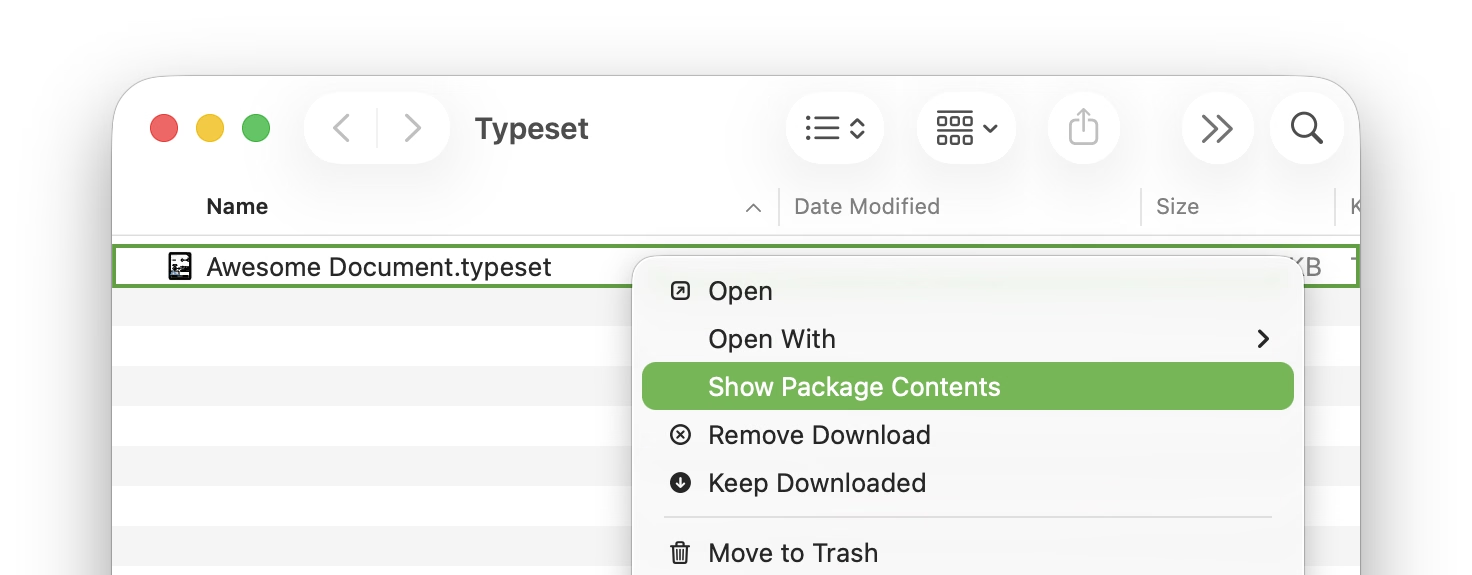
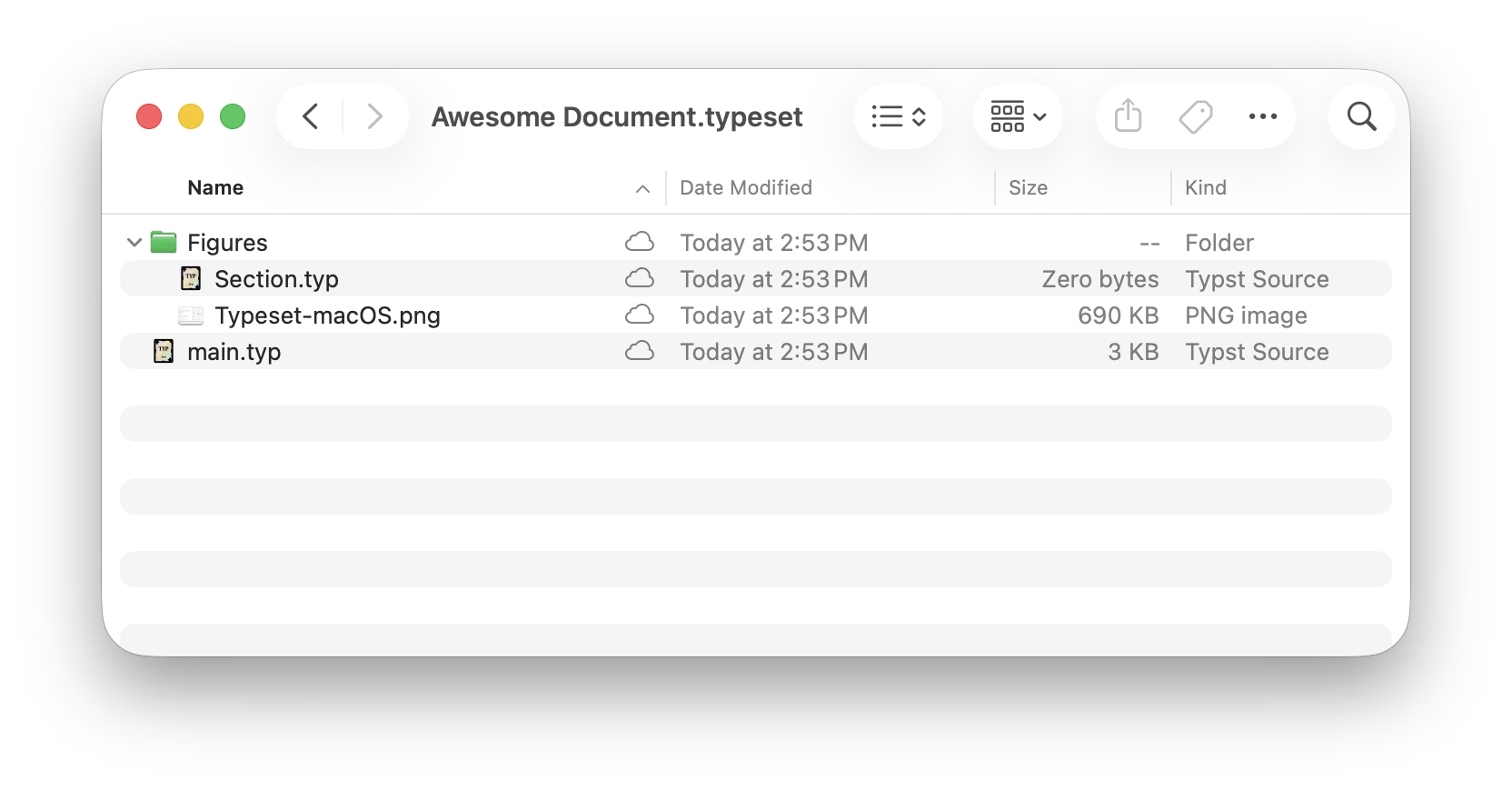
No mystery meat
Typeset can edit and preview .typ files anywhere in your filesystem and should operate as the command-line Typst does. Typeset also identifies folders with a .typeset extension as a package that can be opened; this package format is required for iOS operation. The package contains nothing more than the files shown in the sidebar, a .typesetstate file and a .gitignore that ignores the former.
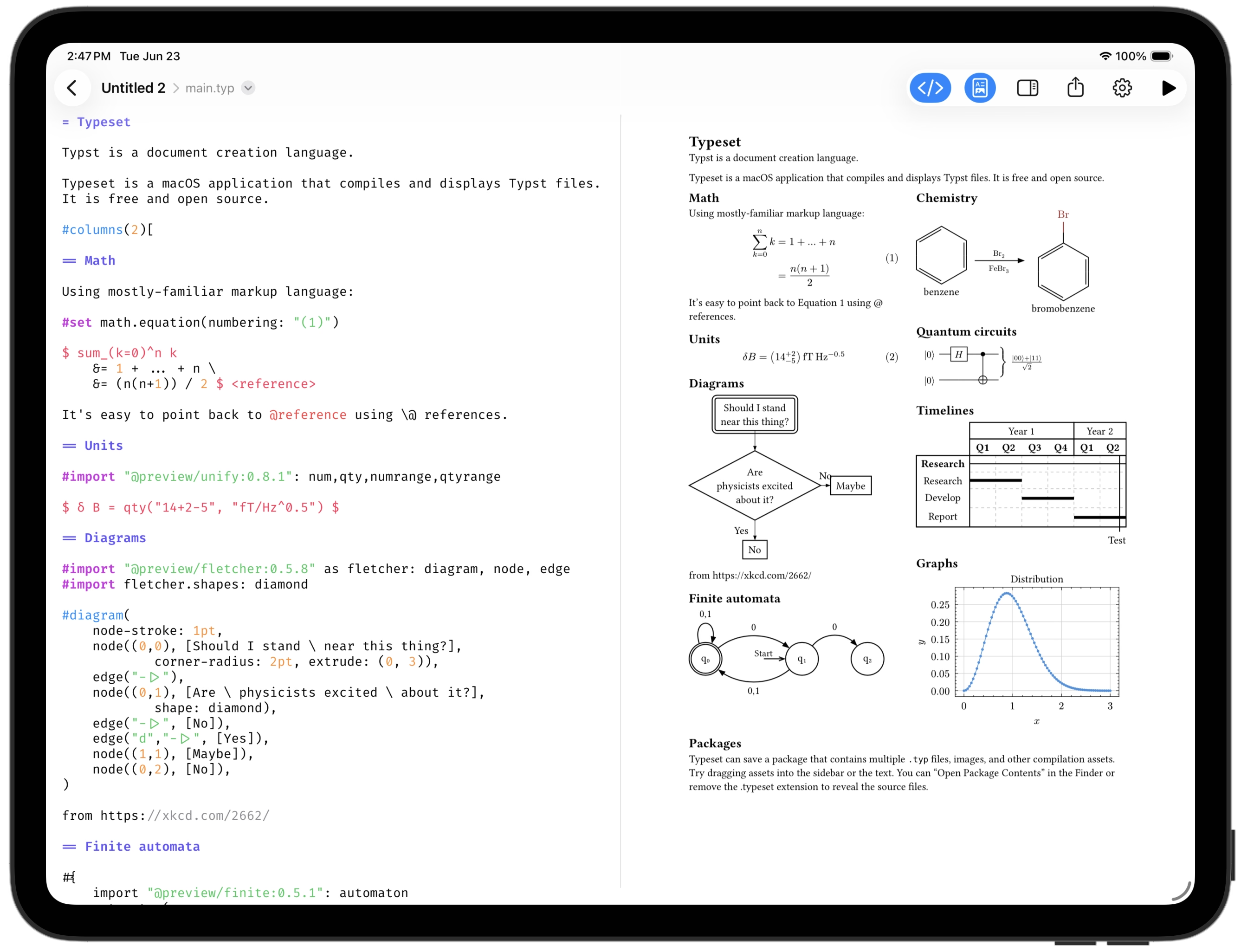
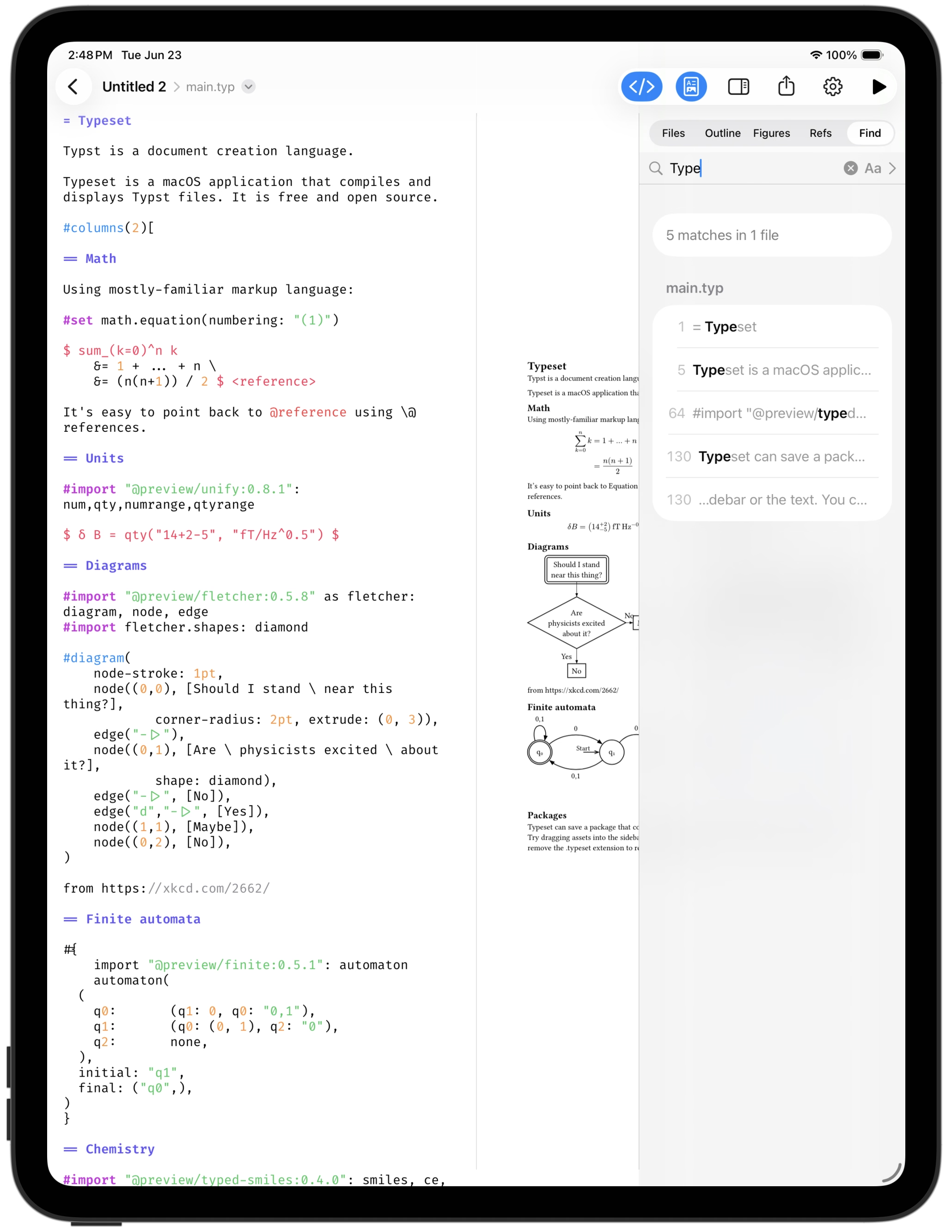
iPad
The app also fully functional on iPad:
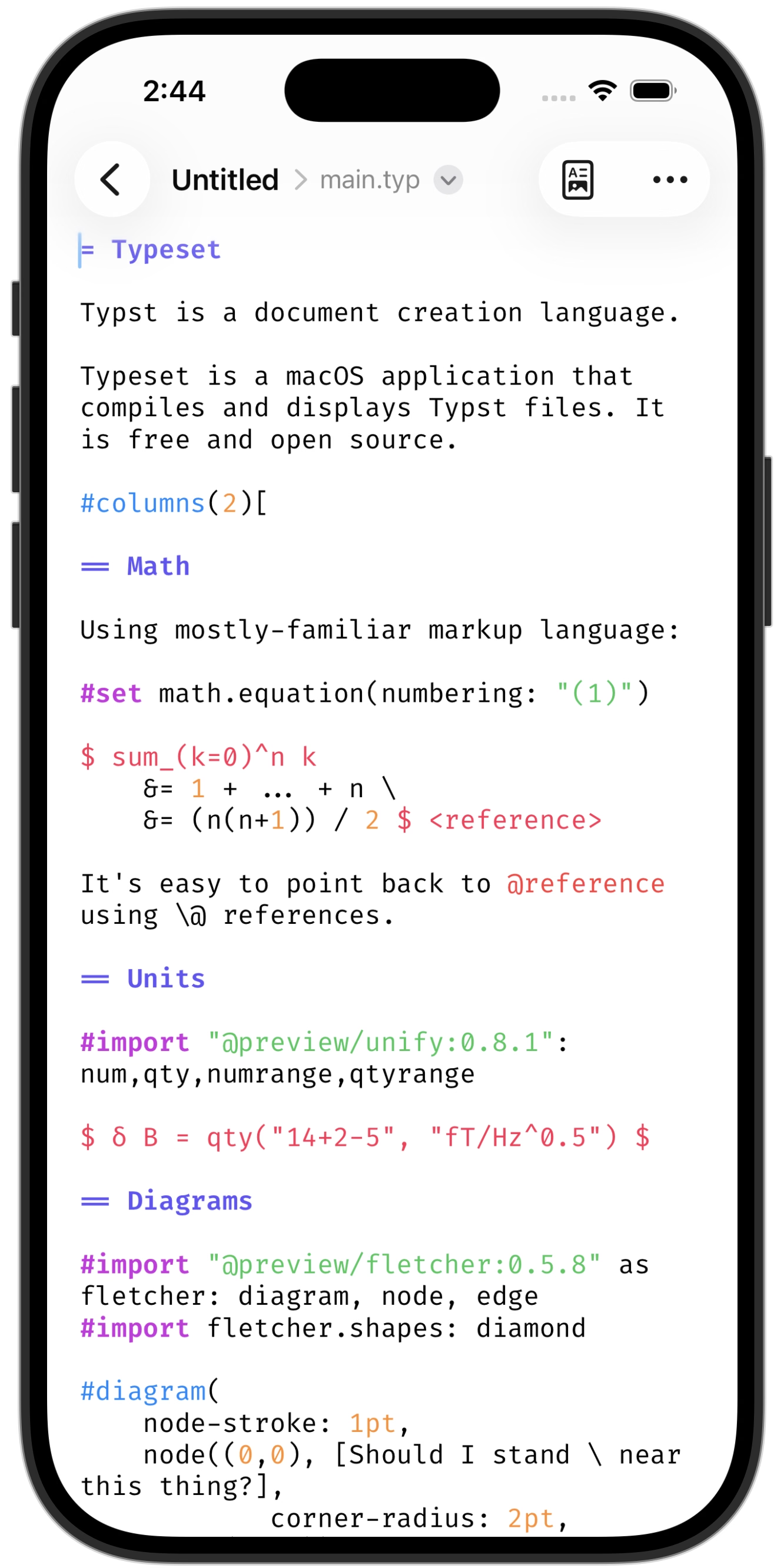
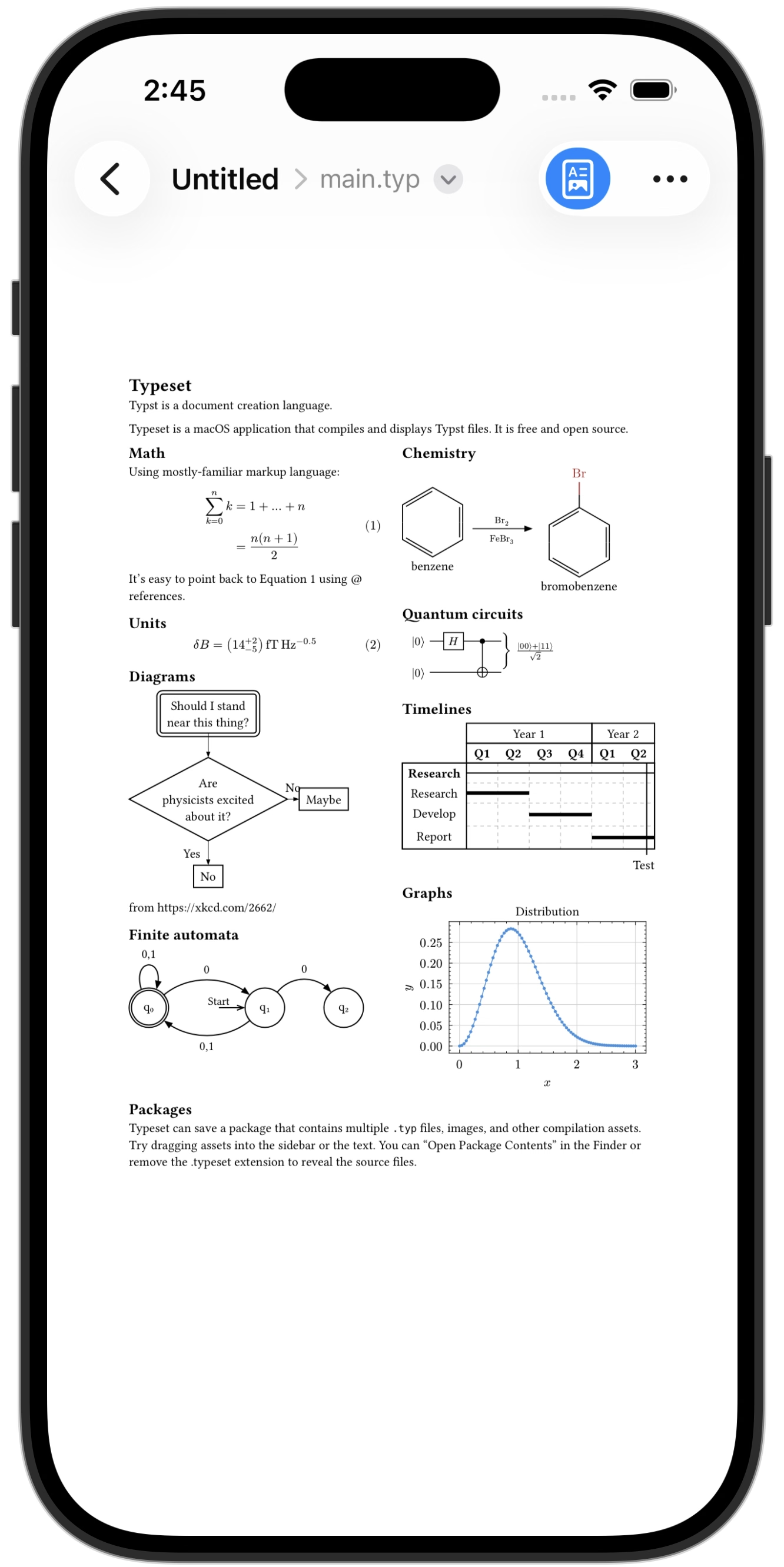
iPhone
It all fits on iPhone, too. Write your document, preview, and manage the files in your package.
Support
Please discuss and register issues on GitHub. If you're feeling generous, consider supporting Typst directly by purchasing their web service or via GitHub Sponsor.