DeXeF

DeXeF views DXF files on Apple devices. Open a drawing and pan, zoom, and read off coordinates against a reference grid, with every layer just a toggle away. On macOS, DeXeF also provides Quick Look previews and Finder thumbnails, so you can peek at a DXF file without opening the app.
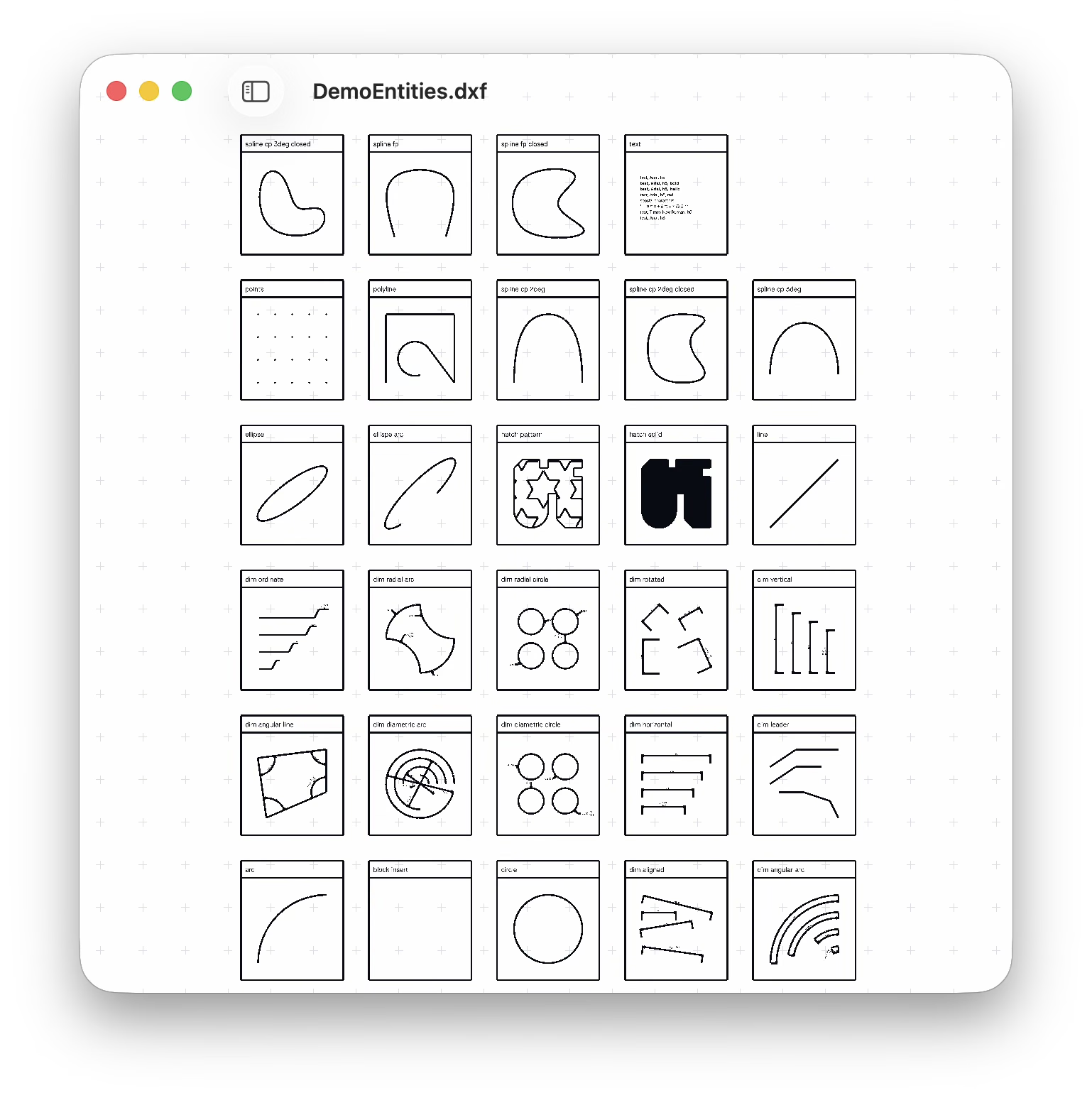
There are many DXF viewers on the App Store, but all of them are terrible and cost too much. This one is free, and hopefully broadly functional.
Open the sidebar to see the drawing's layers and control their visibility.
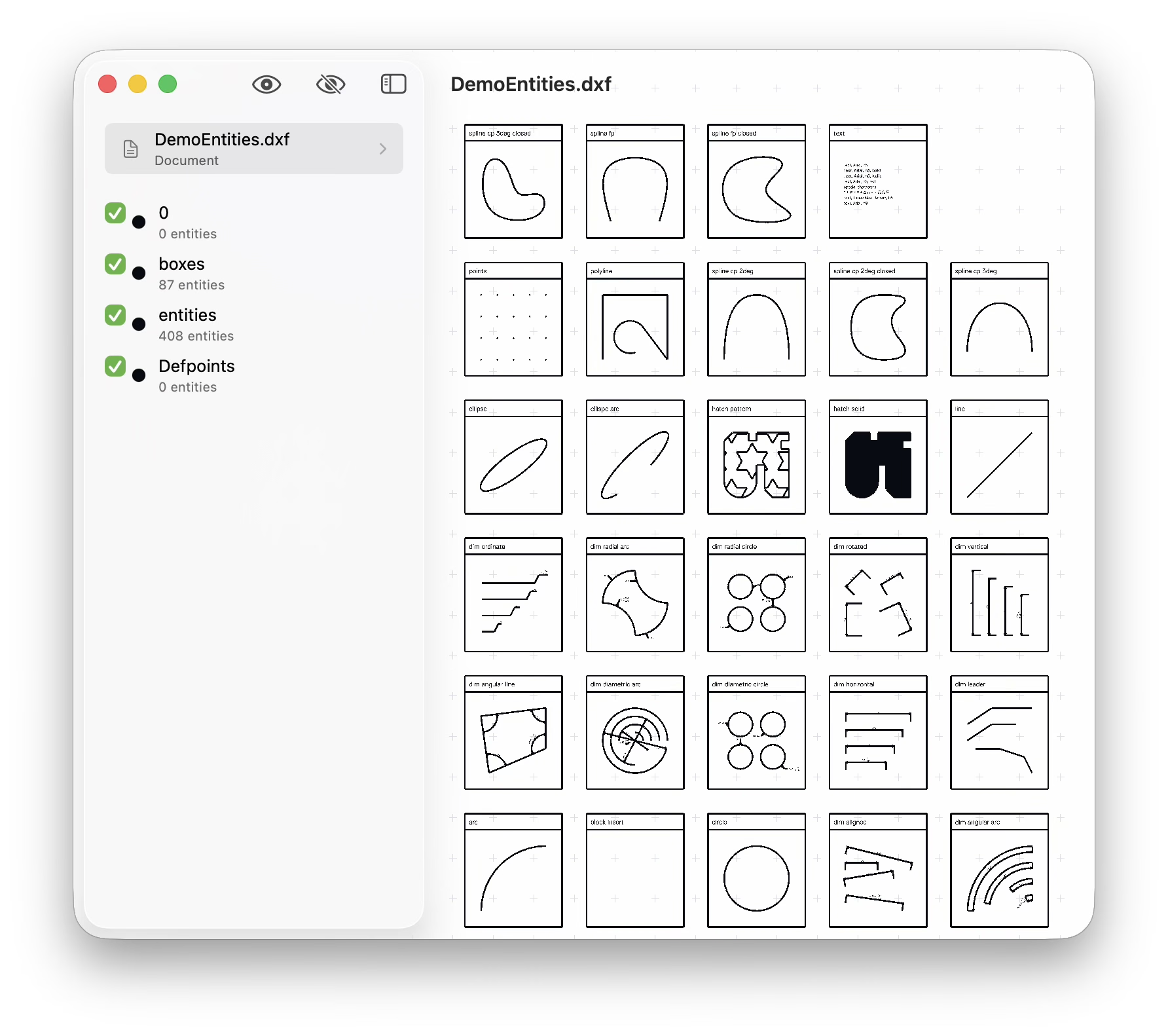
A readout in the corner tracks the pointer's coordinates and the current grid spacing. Select two verticies or a line to get distance a measurement.
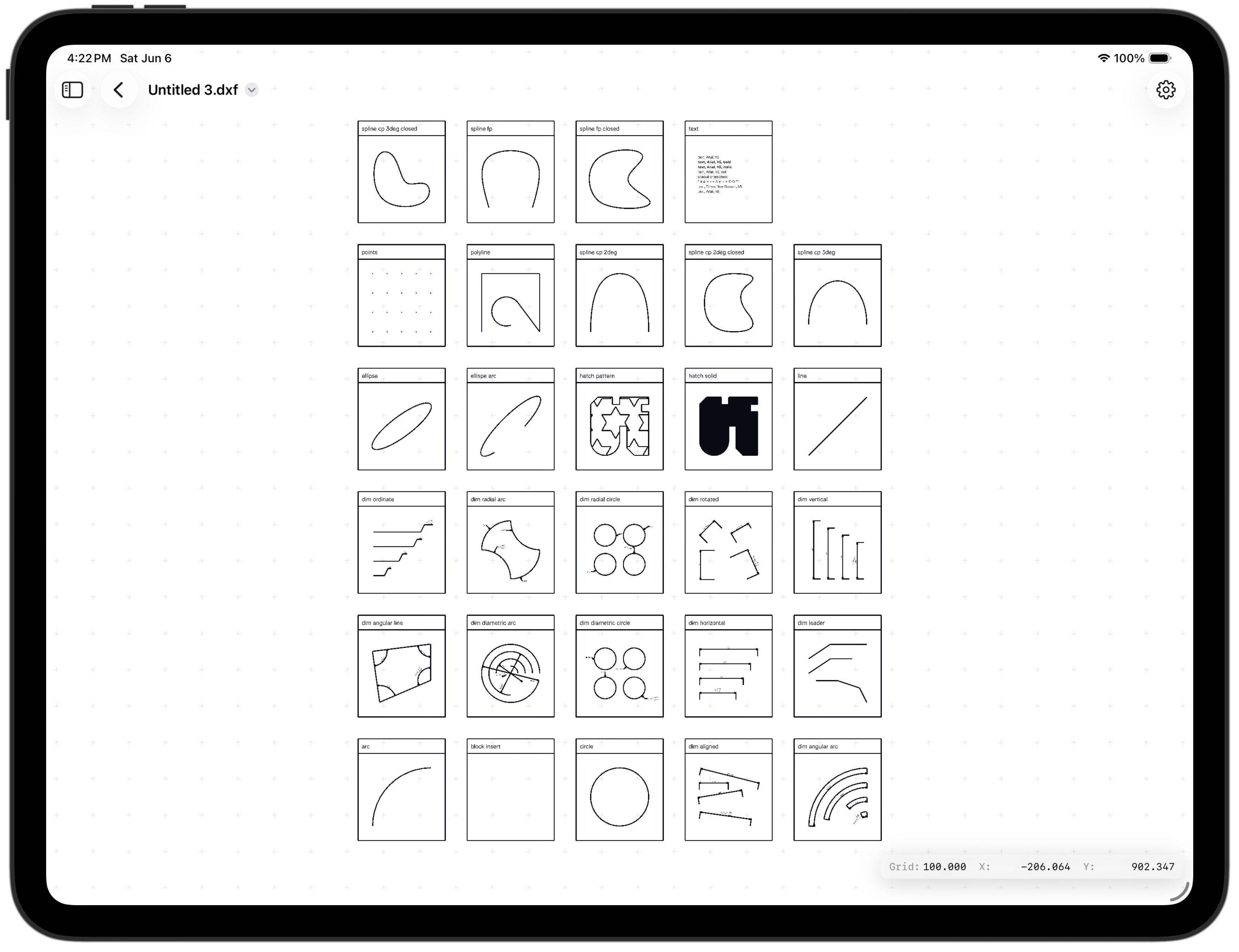
iPad
The same viewer runs on iPad, filling the screen and responding to touch. Drag to pan, pinch to zoom, and toggle layers from the sidebar; the coordinate and grid readout stays tucked in the corner.
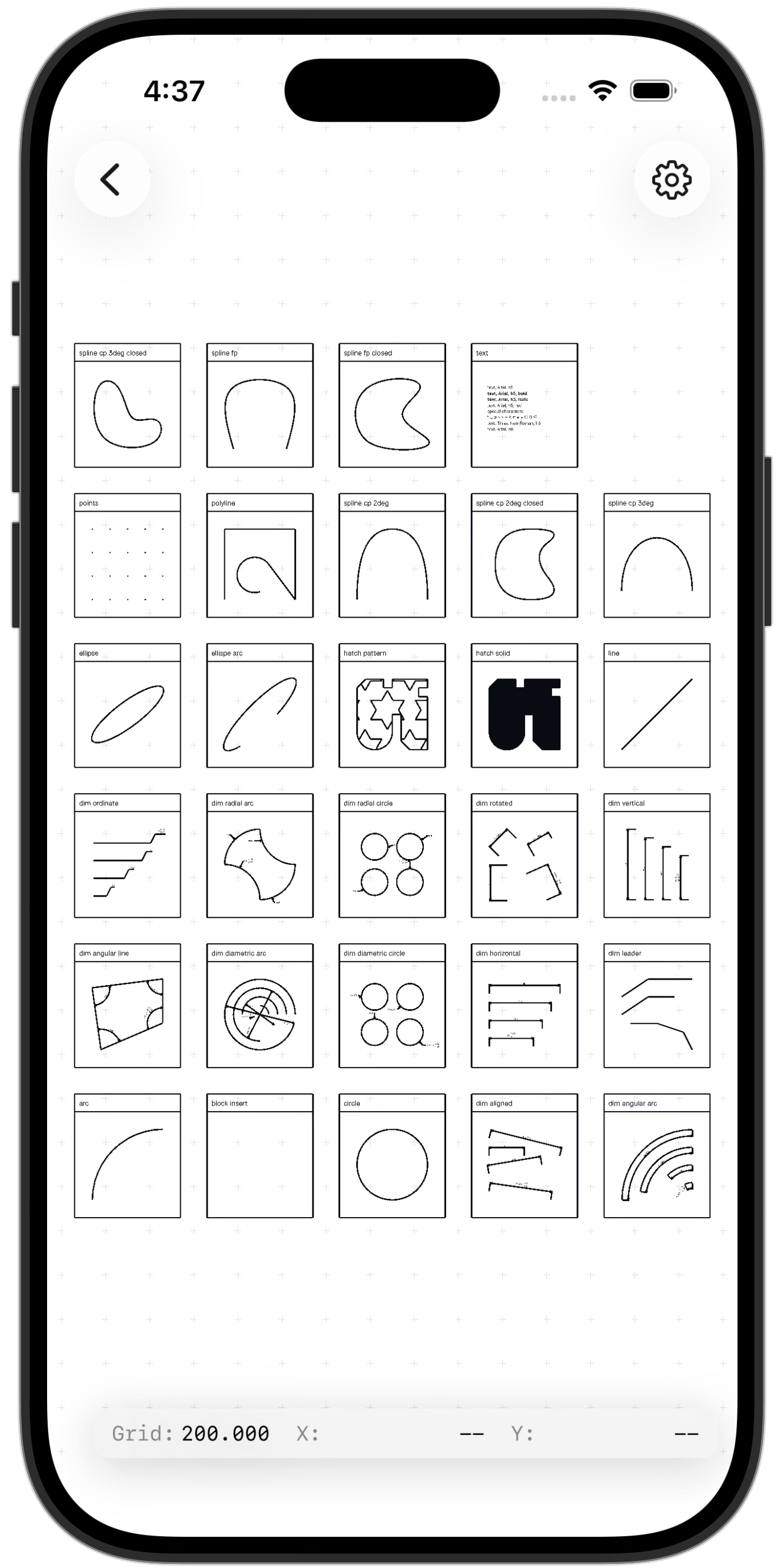
iPhone
It fits on iPhone, too. The drawing fills the screen edge to edge, the grid readout sits along the bottom, and the layer list is a tap away.
Support
Please discuss and register issues on GitHub.