Zephyr

Zephyr is a Zulip client for Mac, iPad, and iPhone. Zulip is a discussion system where conversations are organized by topics.
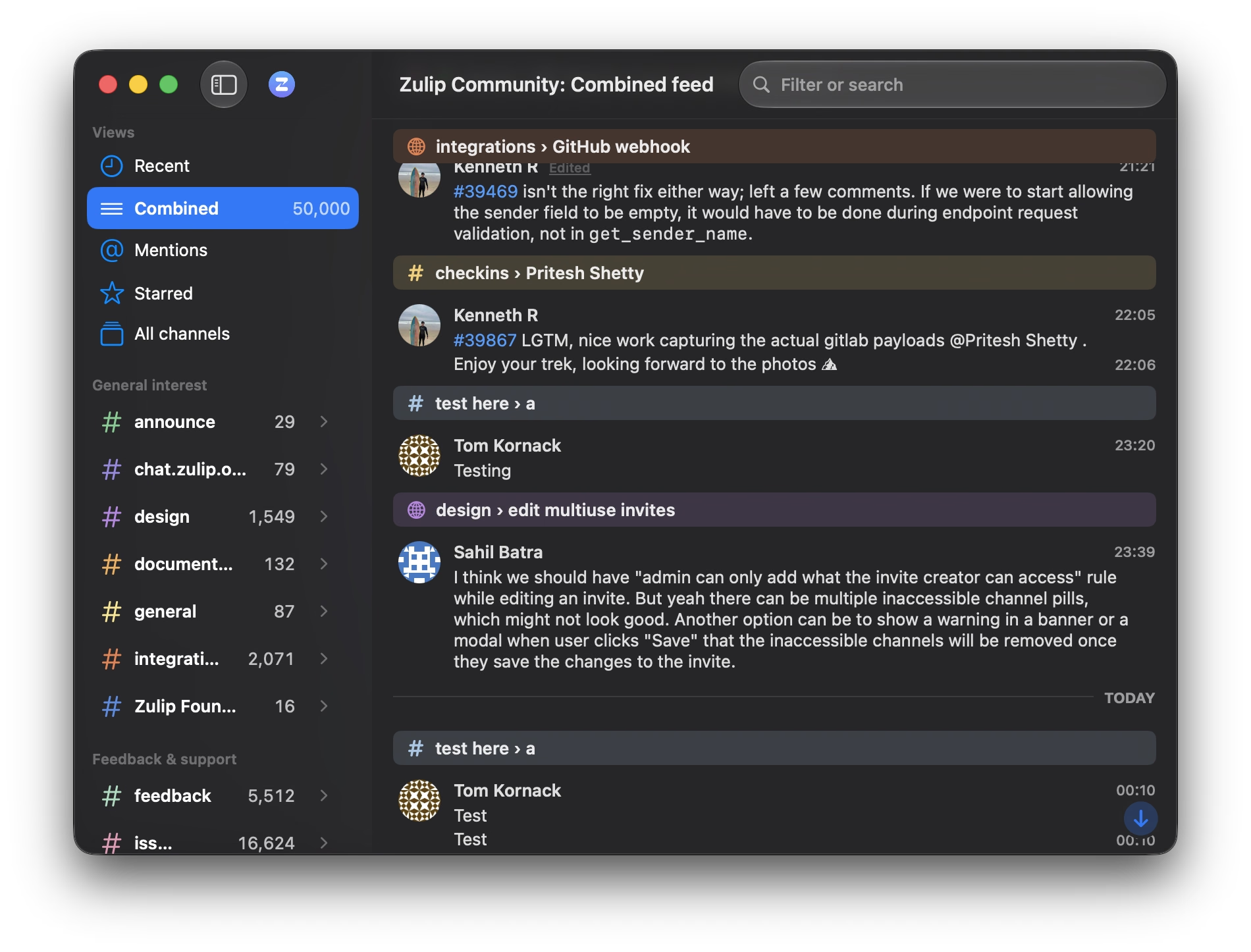
At home on every device
Zephyr employs OS features that web apps can't easily access to make interaction smooth. Mac and iPad support multiple windows — open a conversation in its own window, put a different server in each one. Also supports Quick Look for attachments and drag and drop in and out of the app.
Most of Zulip is here: topics and channels, reactions, polls and to-do lists, message editing and moving, starred messages, reminders that resurface a message when you want it, drafts that sync across devices, muting and following, channel administration, and full-text search with Zulip's search operators. Plus the things a native app should add — a share extension, unread-count widgets, Shortcuts support, and previews rendered by your server so what you send is exactly what they see.
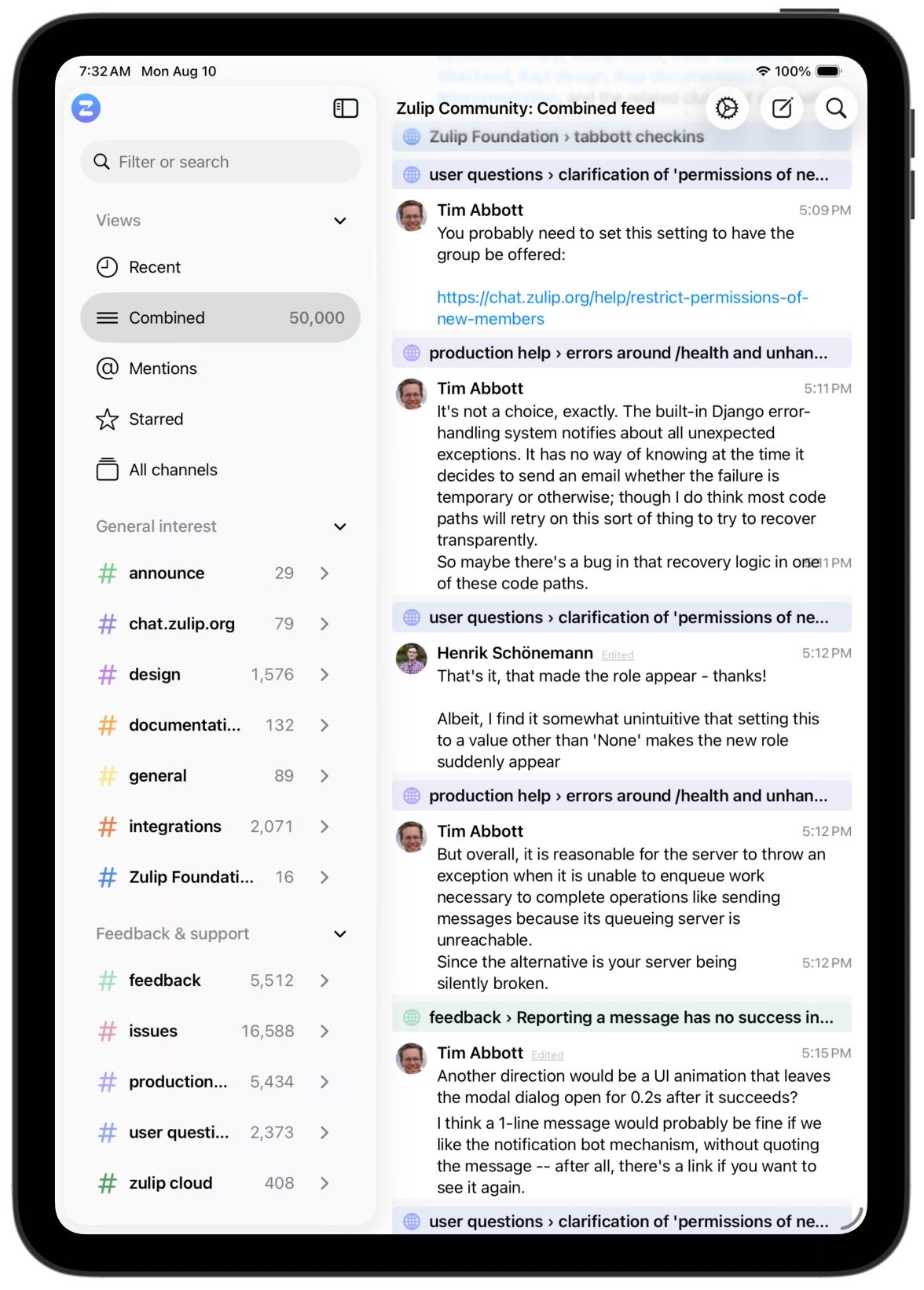
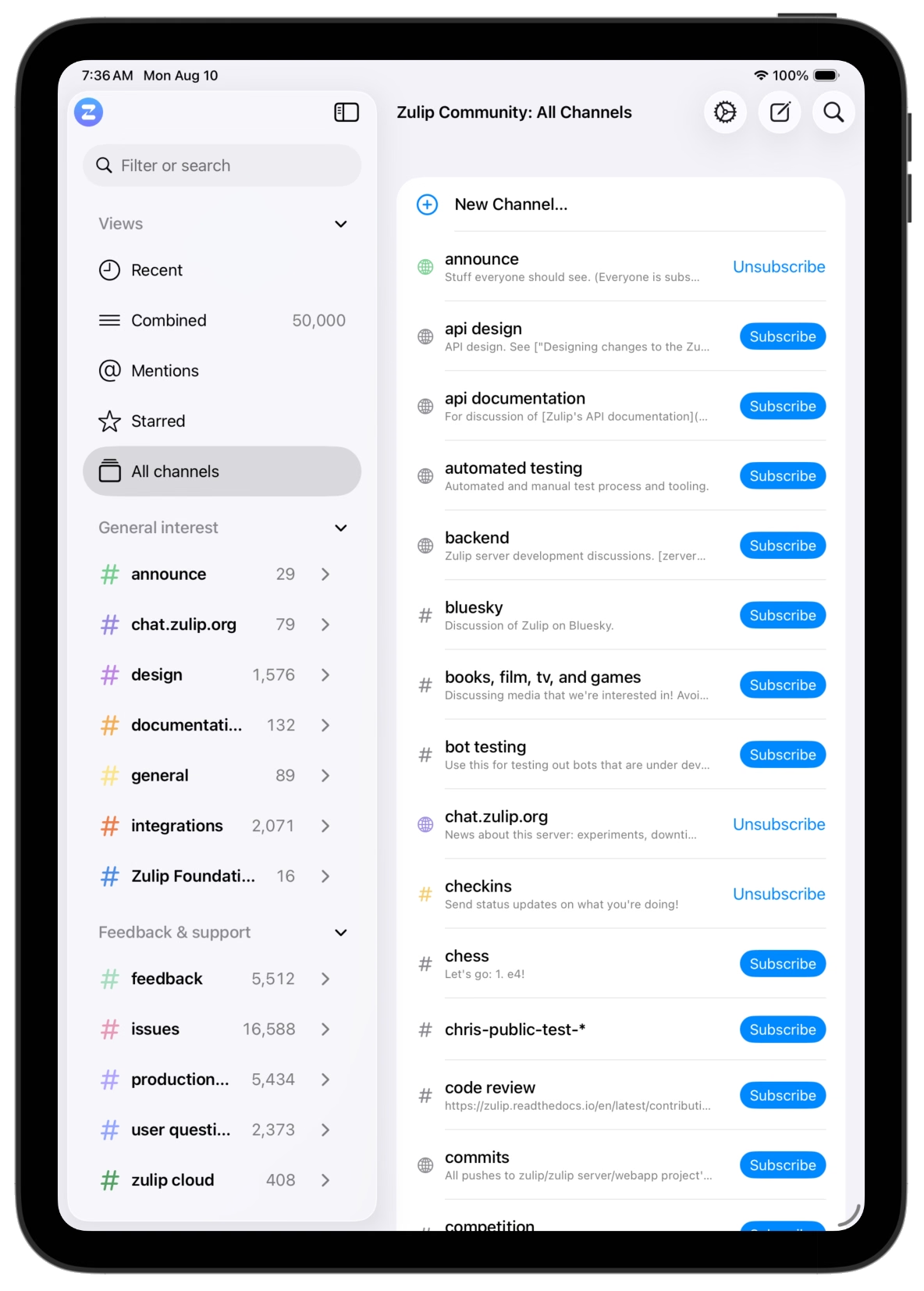
Works offline
Zephyr keeps a local archive of your messages and reads it first. Open the app on a plane and your conversations are there; search runs against the local index; anything you send queues and goes out when the network returns (not when you realize you need to press a retry button). When the connection is flaky, views render instantly from the archive instead of waiting on a timeout.
Search
One field does both jobs. Typing filters what you're looking at — channels and topics narrow with every keystroke, so most of the time you land on the conversation before finishing the word. As you type, Zulip's search operators are offered as tokens: a sender, a channel, messages with links or attachments.
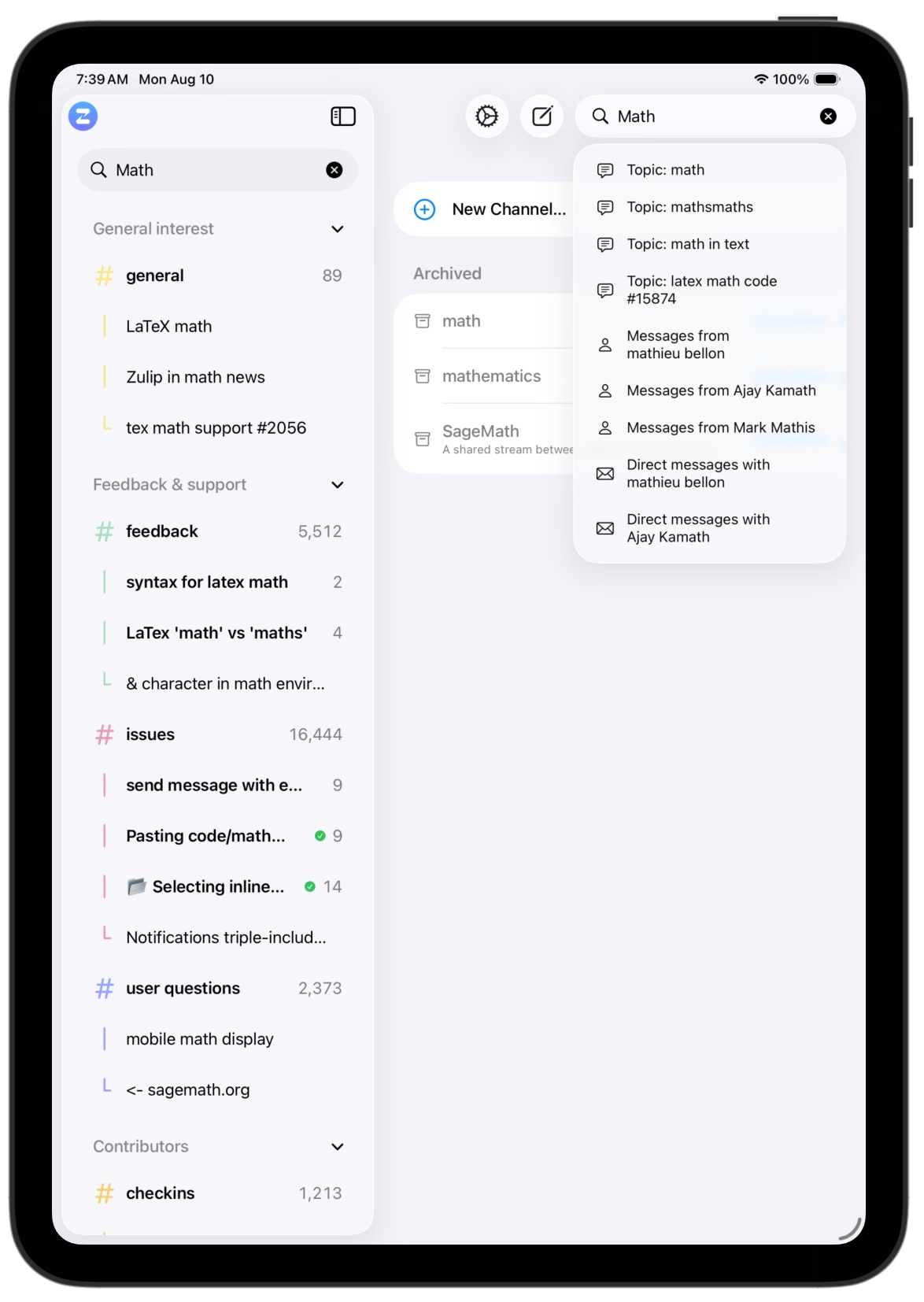
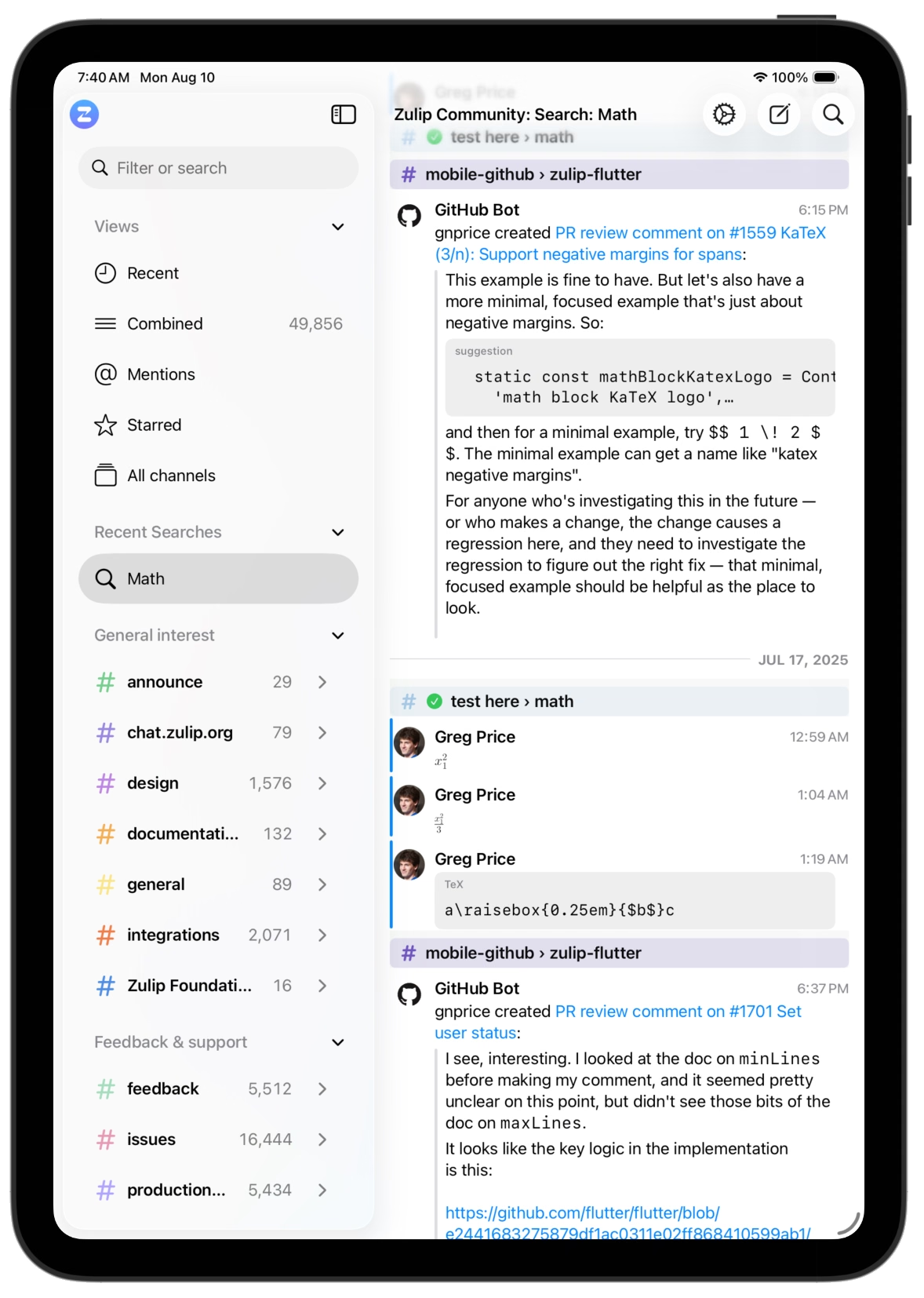
Hit Return and the same text becomes a real search: a results view over your message history, matches highlighted, each one a click from its full conversation. Recent searches stay in the sidebar for next time.
Multiple servers
Add as many Zulip servers as you like — work, open source projects, communities. They stay connected concurrently: notifications arrive from all of them, unread counts aggregate across them, and on the Mac each window can show a different server side by side.
Keyboard navigation
You can drive from the keyboard: jump anywhere with Open Quickly, walk messages and the sidebar with the arrow keys, reply, react, star, and search without touching the pointer. On iPad, hardware keyboards get the same treatment. If you find missing keyboard from the official app, open an issue on GitHub.
iPhone
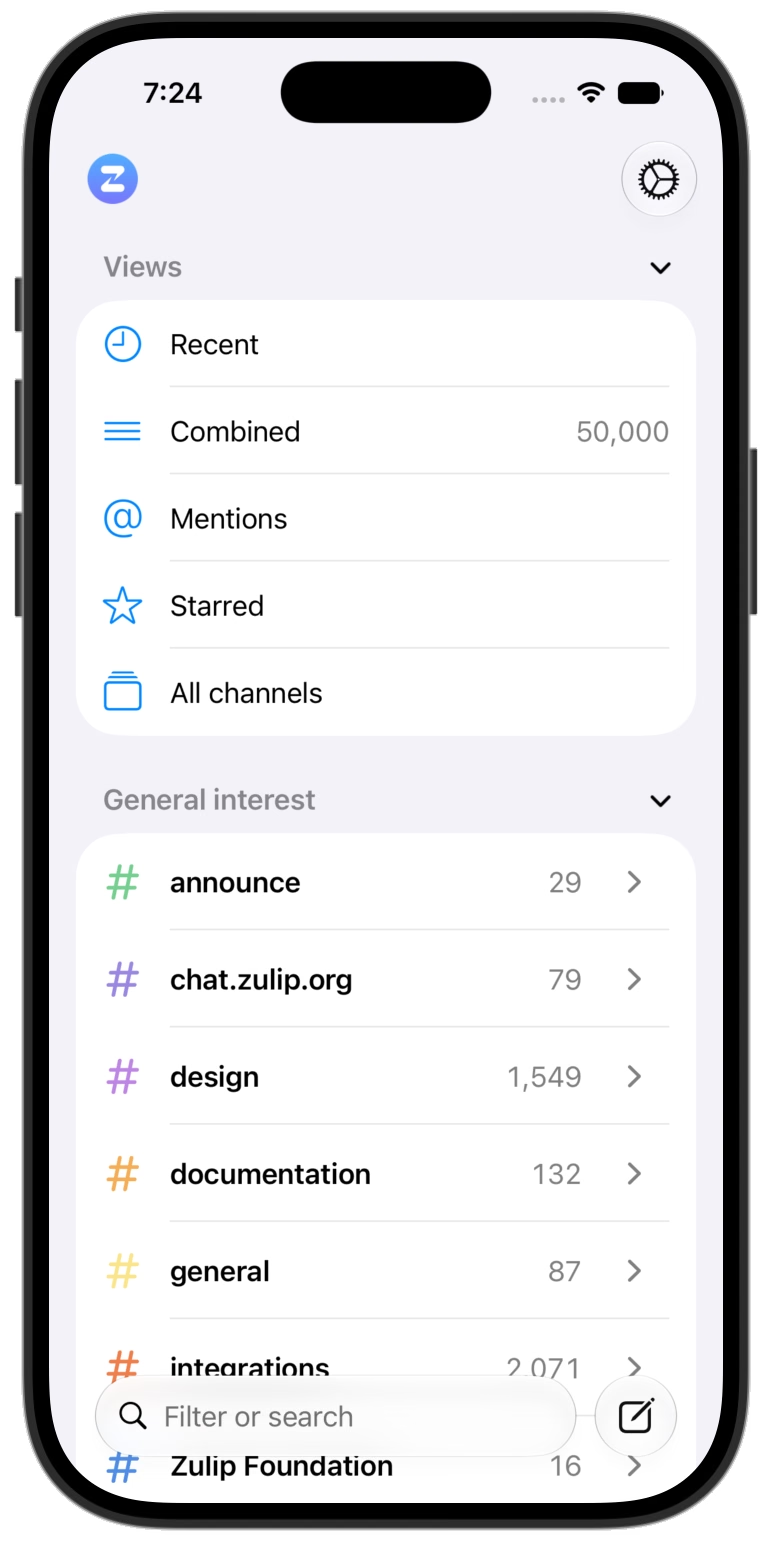
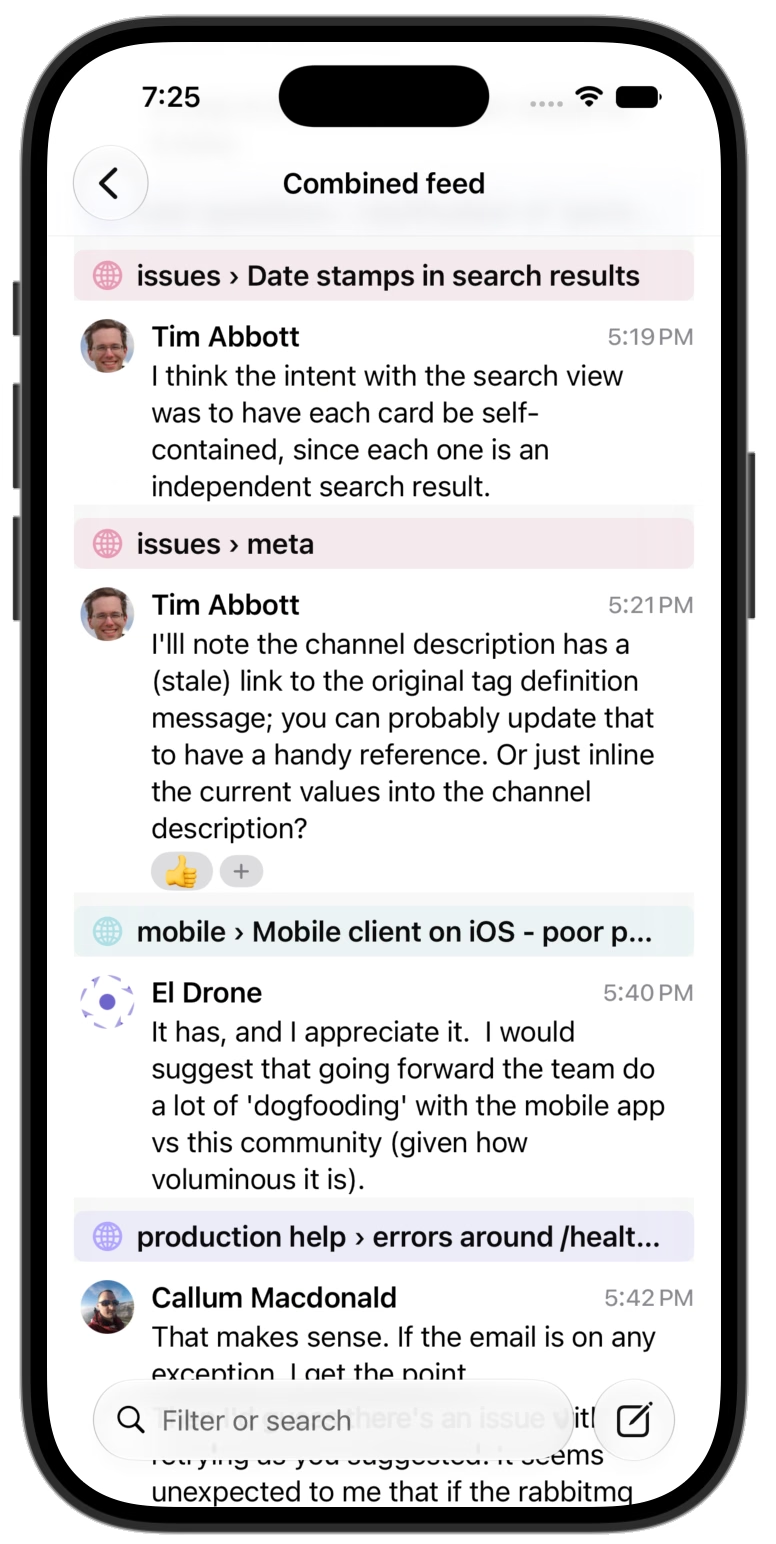
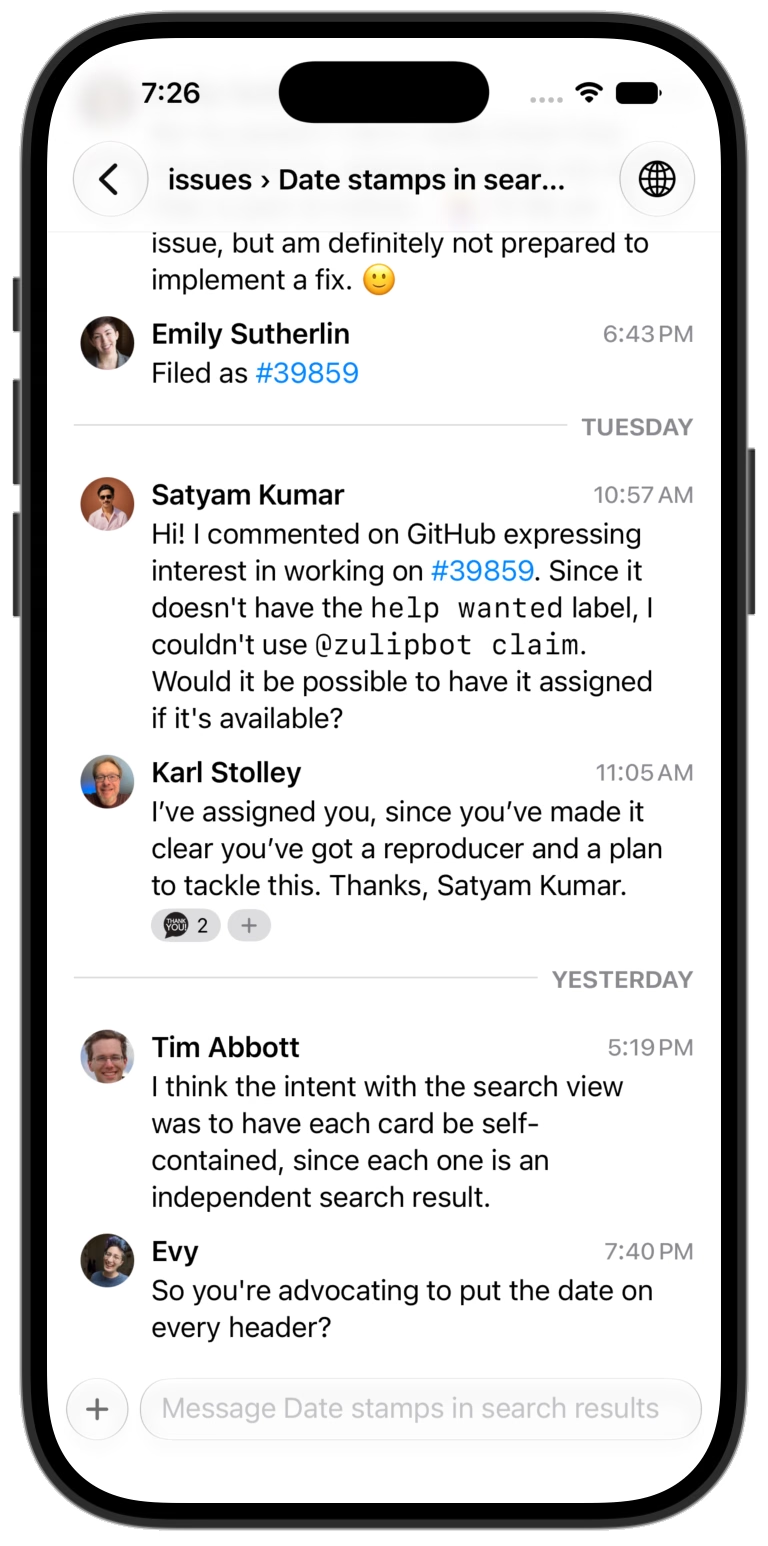
The same channels, conversations, and search, on iPhone.
Support
Please discuss and register issues on GitHub.