Stairstep

Stairstep views STEP files. Open a model and inspect it in 3D — orbit, pan, and zoom, with a reference grid and a scale bar to keep track of size. Cut a cross section to see inside it, and measure distances directly on the geometry. On macOS, Stairstep also provides Quick Look previews and Finder thumbnails, so you can peek at a STEP file without opening the app.
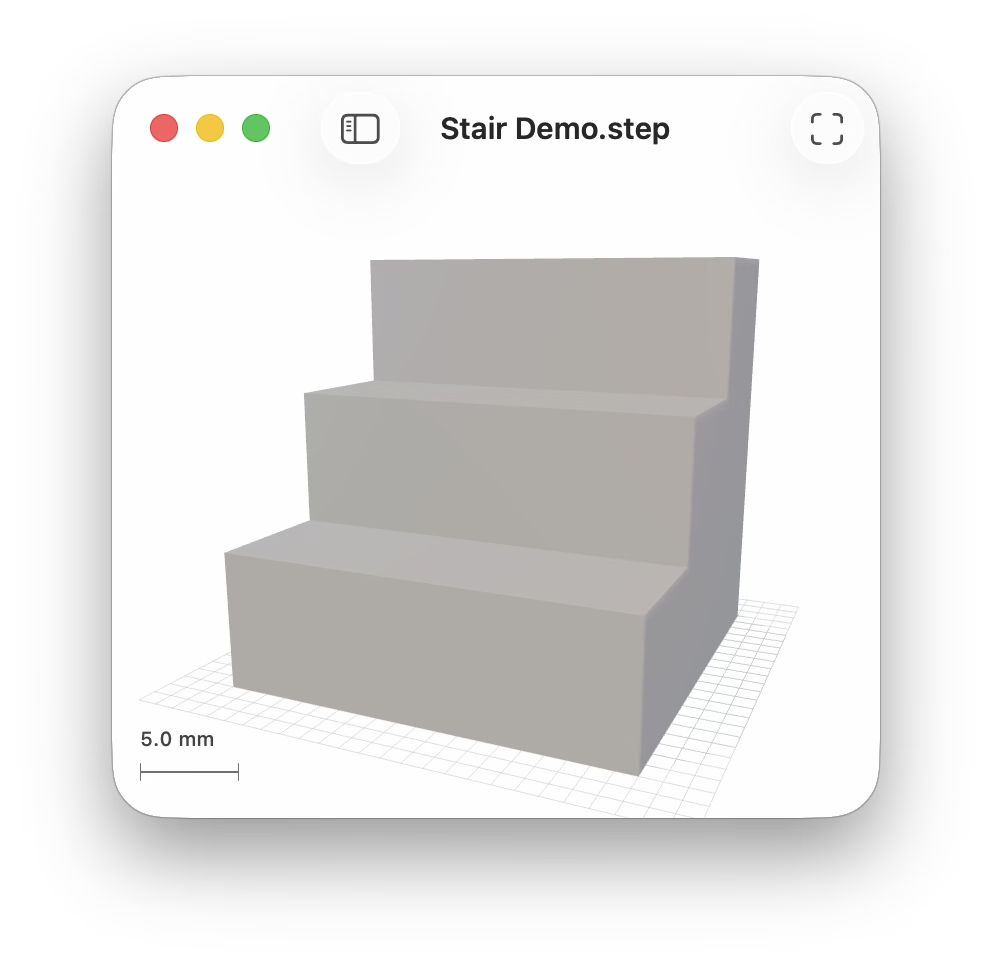
Drag to orbit the model and scroll or pinch to zoom; the scale bar updates to match. The toolbar fits the model back into view and reveals an inspector that reports the geometry — vertices, triangles, materials, and overall dimensions.
Cross sections
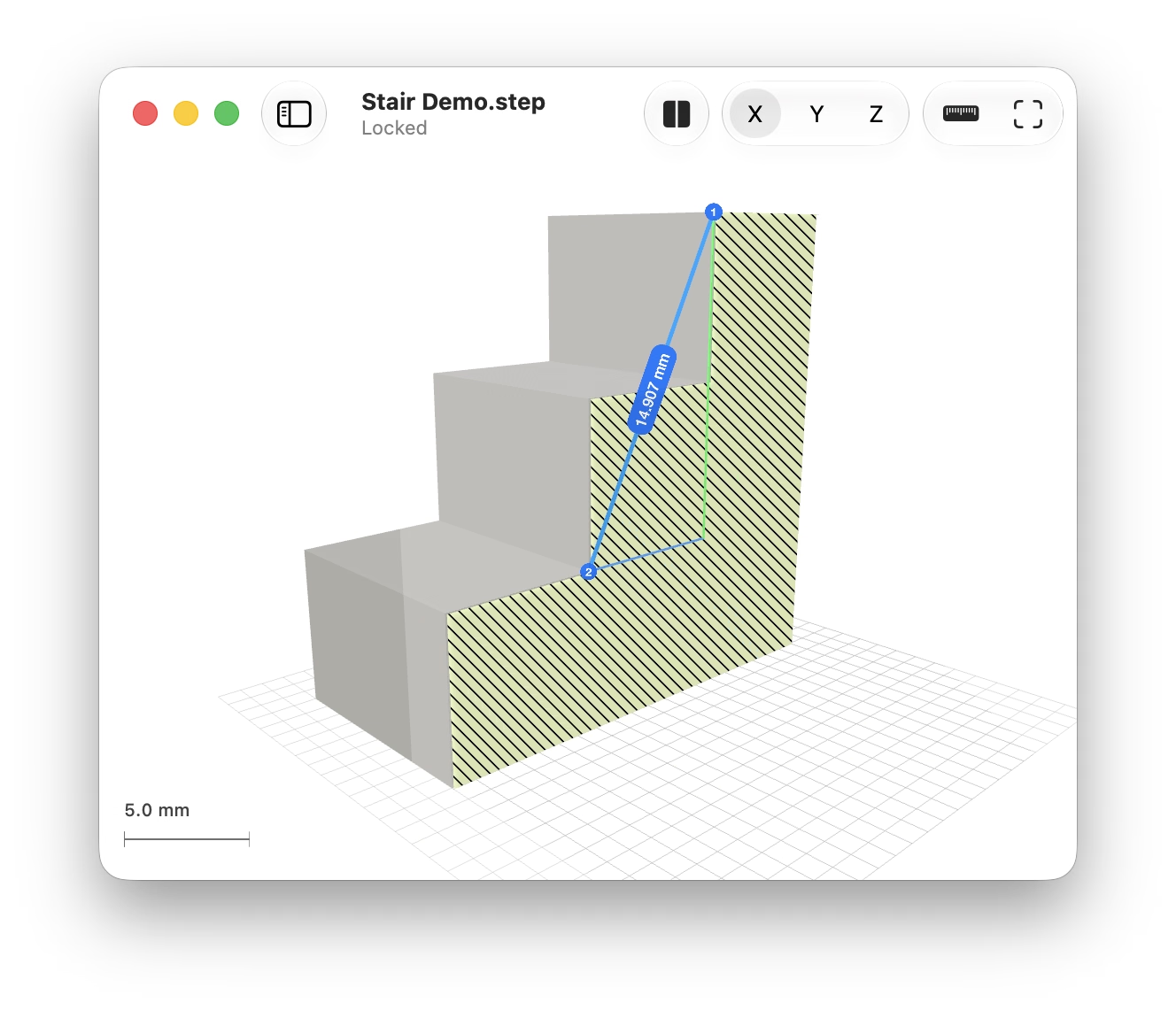
Cut a model open to see inside it. Choose the X, Y, or Z axis in the toolbar, then drag the cutting plane through the model — it snaps to the model's own vertices, so a cut lands exactly on real geometry instead of near it. The exposed face is filled with conventional diagonal section hatching, and a translucent plane marks where the cut is taken. The hatching is drawn in screen space, so its spacing stays the same however far you zoom in, and you can set its color in Settings.
Measuring
Turn on the ruler and click two points. The cursor snaps to the geometry beneath it — vertices first, then edges, then faces — and highlights what it found before you commit, so a measurement attaches to the model rather than landing somewhere close to it. The distance is shown on the measurement line itself, with its X, Y, and Z components drawn alongside. Right-click to choose from everything near the cursor instead, including features hidden behind the surface.
Selections that describe more than a point are measured accordingly: two parallel faces or two parallel edges give the perpendicular distance between them, and a vertex measured against an edge gives its distance to that edge's line. A cross section's own edges and corners can be measured like any others. Escape clears the measurement.
iPad
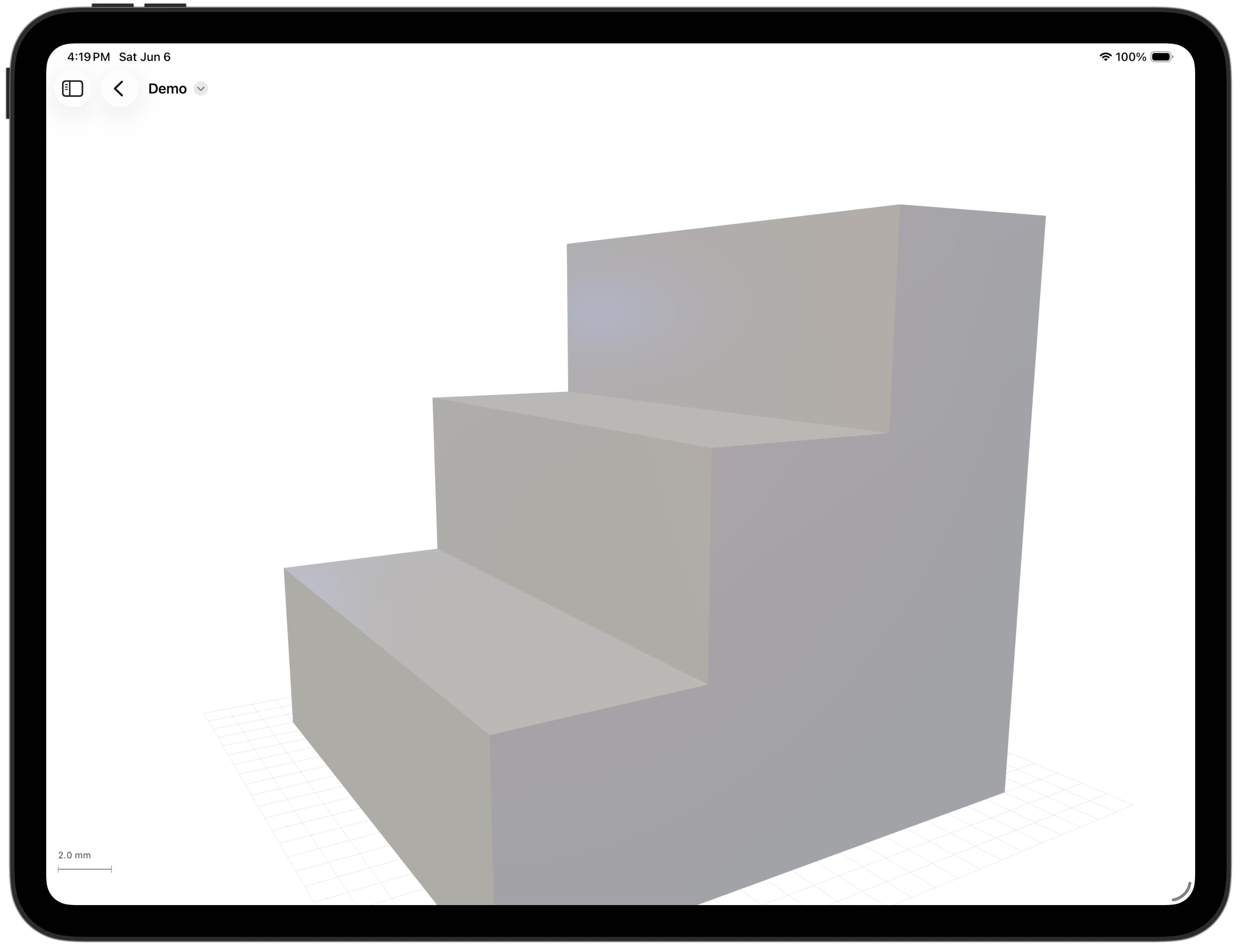
The same viewer runs on iPad, filling the screen and responding to touch. Drag one finger to orbit, pinch to zoom, and drag two fingers to pan.
iPhone
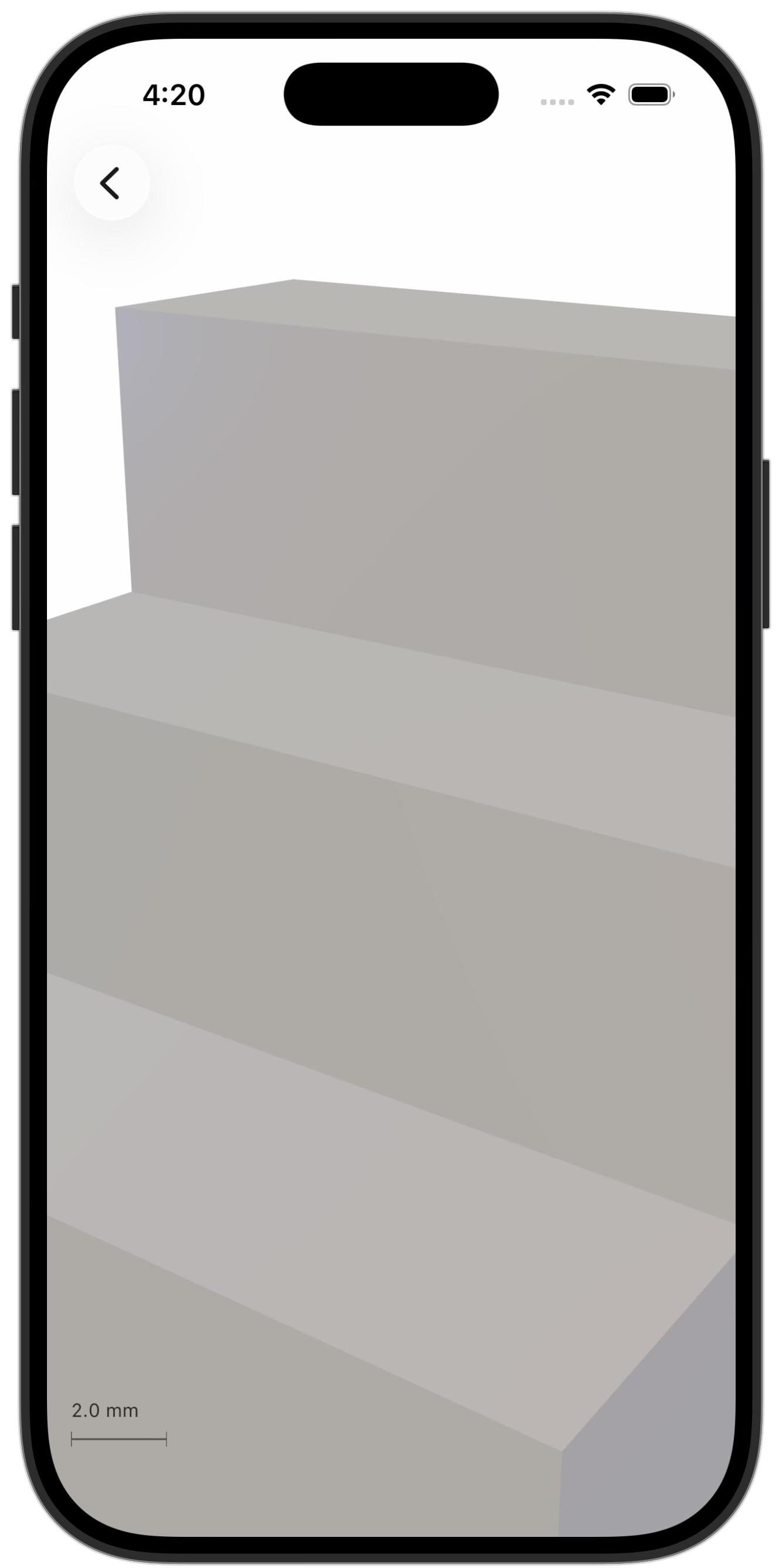
It fits on iPhone, too. The model fills the screen edge to edge, and the inspector with the file's details is a tap away.
Support
Please discuss and register issues on GitHub.